1
DVI2USB 3.0 User Guide
Record a video
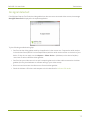
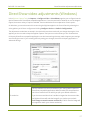
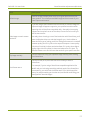
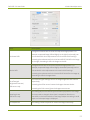
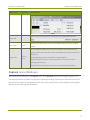
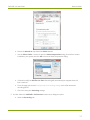
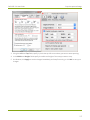
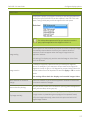
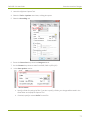
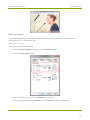
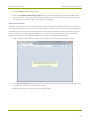
b. Ensure the Record as drop down has Video selected.
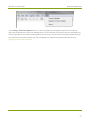
c. Use the Select Codec... button to open the Video Compression dialog. Choose from codecs
installed on your system and click OK to close the Video Compression dialog.
d. If desired, modify the AVI file size limit. Recording will automatically be stopped when this
limit is reached.
e. From this page you can also Configure optional recording settings such as file names and
recording period.
f. Click OK to save your Recording settings.
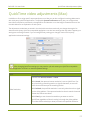
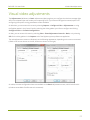
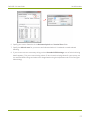
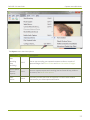
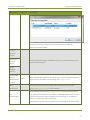
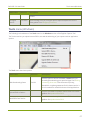
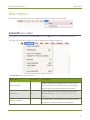
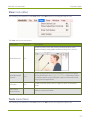
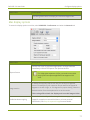
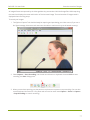
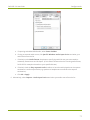
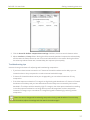
5. On Mac: Select the VGA2USB » Preferences menu item; a dialog box opens.
a. Select the Recording tab.
59