1
DVI2USB 3.0 User Guide
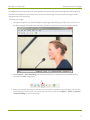
Add a watermark
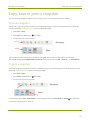
Add a timestamp
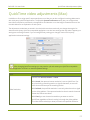
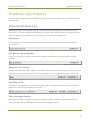
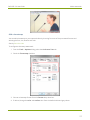
You can add a timestamp to your captured video by choosing from one of the pre-created formats and
selecting the font, size, location and color.
Start by Record a video
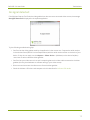
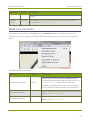
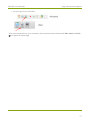
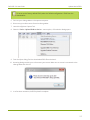
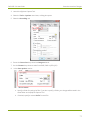
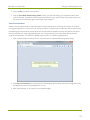
To configure a timestamp watermark:
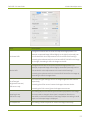
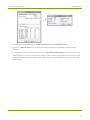
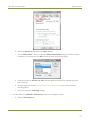
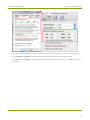
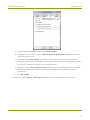
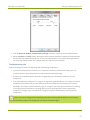
1. From the Tools » Options dialog, select the On-Screen Text tab.
2. Check the Timestamp checkbox.
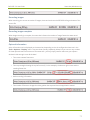
3. Choose a timestamp format from the Format drop down box.
4. If desired, change the color and outline color from the default white and gray values.
83