1
DVI2USB 3.0 User Guide
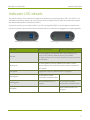
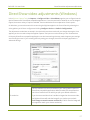
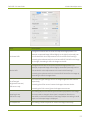
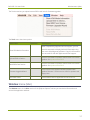
Menu item
Shortcut
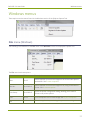
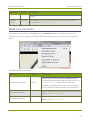
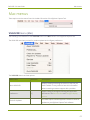
Capture menu (Windows)
Description
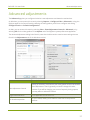
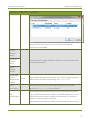
Choose the device you want to use in this instance of the Epiphan
Capture Tool and click OK.
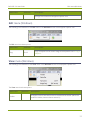
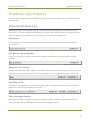
Connect Network
Device...
Disconnect
Network
Device
Used with Epiphan's legacy VGA2Ethernet device, outside the scope of this
product documentation.
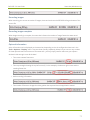
Recent
Network
Devices
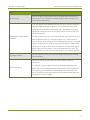
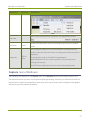
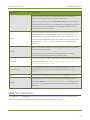
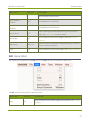
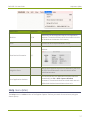
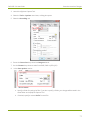
Enable Audio
Capture
(Disable Audio
Ctrl+A
When enabled, audio captured by the device, or by the configured external
audio source is included in the recording. See Configure audio.
Capture)
Audio
Input Device
Opens a sub-menu to let you choose the input device used for audio
capture. See Configure audio for more details.
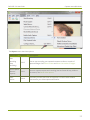
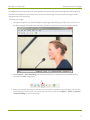
When enabled, captured audio is played on the video capture workstation (e.g. through the workstation's speakers or attached headphones). Use as a
Play
Captured Audi
o
confidence monitor to check the audio you're recording, or to share the
audio you're capturing with local viewers.
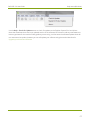
Enable Audio Capture must be enabled for the Play Captured Audio settings
39