1
Windows XP Information
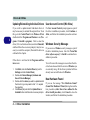
Attaching Other Displays (for ATI VGA)
If you prefer to use a monitor or flat panel display, connect it to the DVI-Out Port at the rear of the computer.
1.
2.
3.
4.
5.
6.
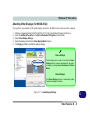
Attach your external monitor to the DVI-Out port (or TV to the 7-pin S-Video-Out port), and turn it on.
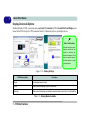
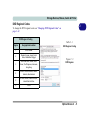
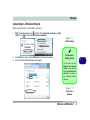
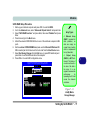
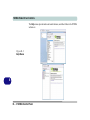
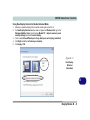
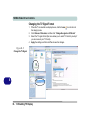
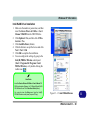
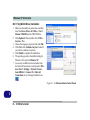
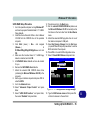
Select Displays Manager from the Graphics Settings Tree View pane.
Attached displays will appear in the Desktop and Display Setup box.
Drag and drop, or right-click, the attached display icon to bring up the Display Mode options.
Select an option from the menu, and click Yes to accept the settings.
Click OK to save the changes.
Detect Displays
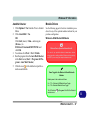
Click Detect Displays (button) to
automatically update the attached
display information.
Configure the Display Detection
Option from Display Options in the
Graphics Settings Tree View pane.
You can configure the Catalyst®
Control Center to manually or automatically detect attached displays.
D
Figure D - 8 - Displays Manager
D - 12 Video Features