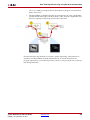
1
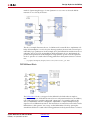
EDK Support
EDK Support
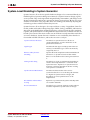
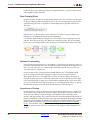
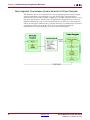
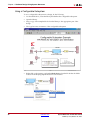
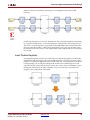
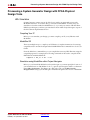
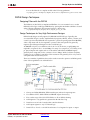
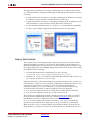
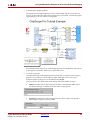
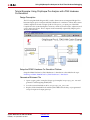
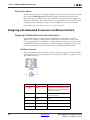
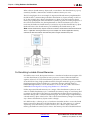
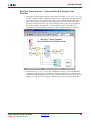
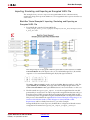
Importing an EDK Processor
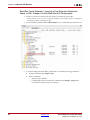
How to import an EDK project into System
Generator using the EDK Import Wizard.
Exposing Processor Ports to
System Generator
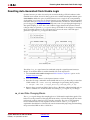
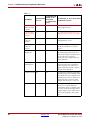
How to route top-level ports in the EDK into
System Generator.
Exporting a pcore
How to export a System Generator design to the
EDK as a pcore.
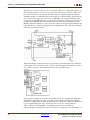
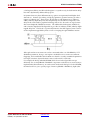
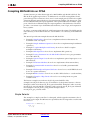
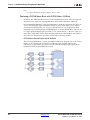
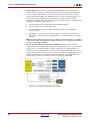
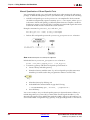
Importing an EDK Processor
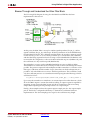
A processor created using the Xilinx Platform Studio (XPS) tool, found in the Xilinx EDK
suite of tools, can be imported into a System Generator model using the EDK Import
Wizard.
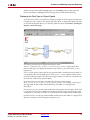
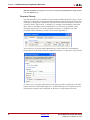
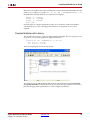
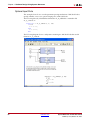
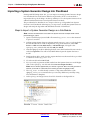
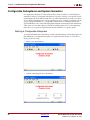
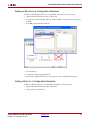
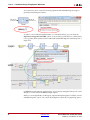
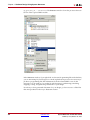
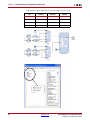
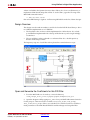
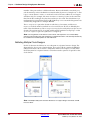
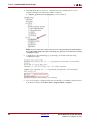
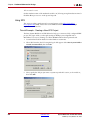
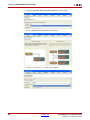
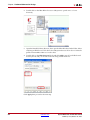
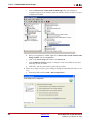
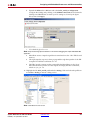
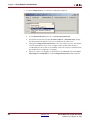
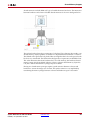
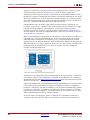
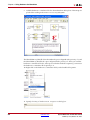
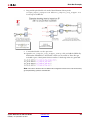
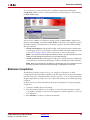
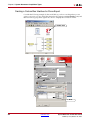
There are two ways to launch the EDK Import Wizard in the EDK Processor block: (1) press
the Import… button, or (2) select HDL netlisting when the EDK project field is empty.
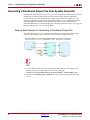
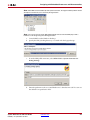
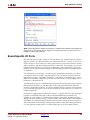
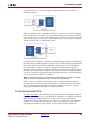
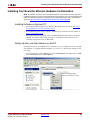
Note: When you import the EDK Project into System Generator, there are modifications made to the
EDK project. These modifications are described in the following topic.
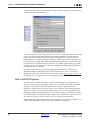
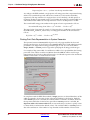
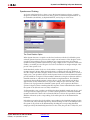
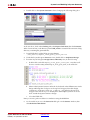
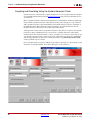
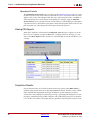
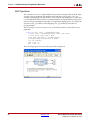
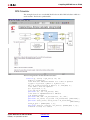
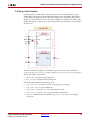
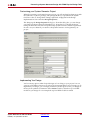
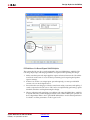
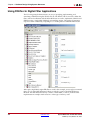
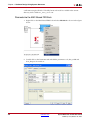
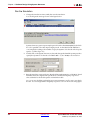
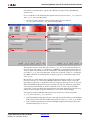
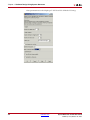
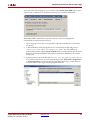
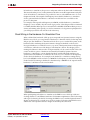
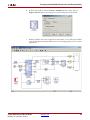
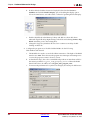
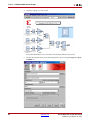
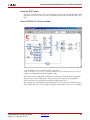
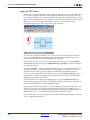
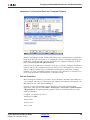
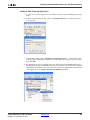
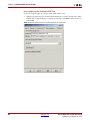
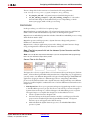
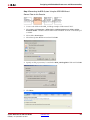
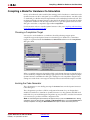
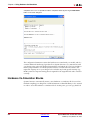
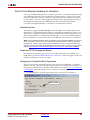
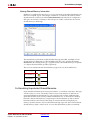
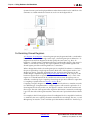
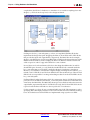
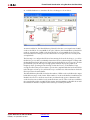
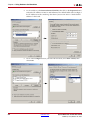
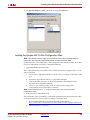
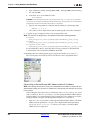
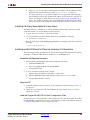
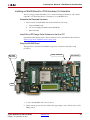
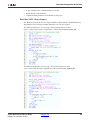
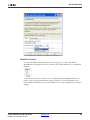
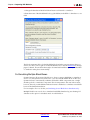
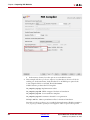
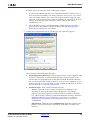
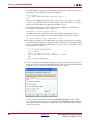
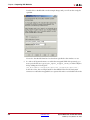
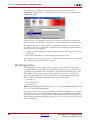
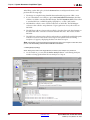
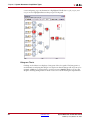
EDK Import Wizard
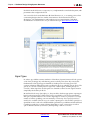
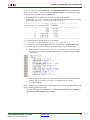
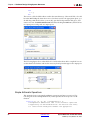
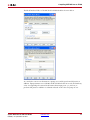
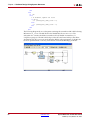
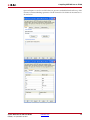
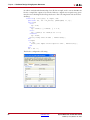
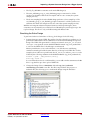
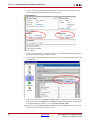
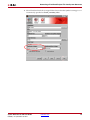
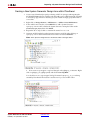
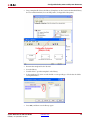
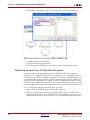
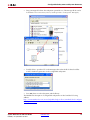
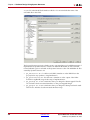
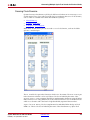
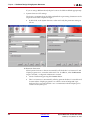
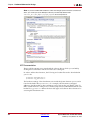
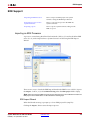
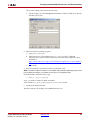
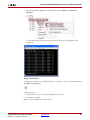
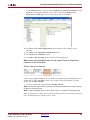
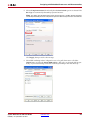
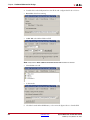
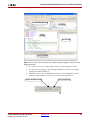
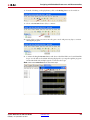
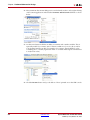
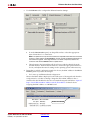
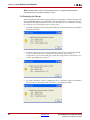
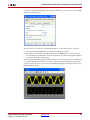
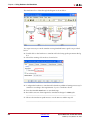
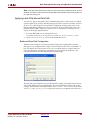
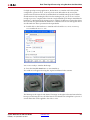
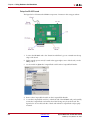
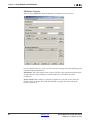
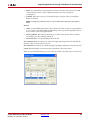
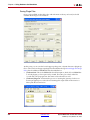
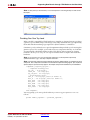
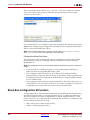
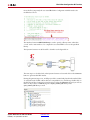
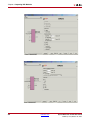
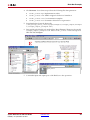
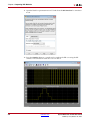
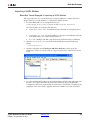
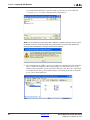
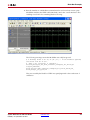
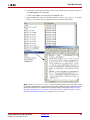
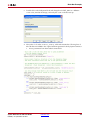
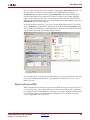
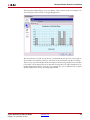
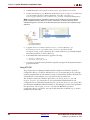
When the Wizard starts up, it prompts you for an EDK project file (xmp file).
Clicking the Import... button starts the import process.
System Generator for DSP User Guide
UG640 (v 14.3) October 16, 2012
www.xilinx.com
175