1
5 Operation
Sirona Dental Systems GmbH
5.17 Calling the service menu
Operating Instructions ORTHOPHOS SL 2D / 3D
5.17 Calling the service menu
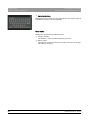
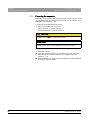
The service menu is intended exclusively for service engineers. Service
routines can be activated and unit settings incl. tests and calibrations can
be performed in this menu.
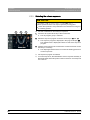
A
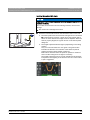
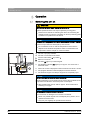
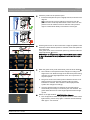
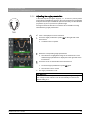
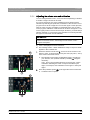
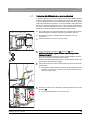
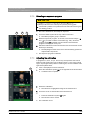
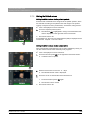
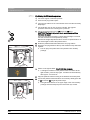
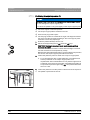
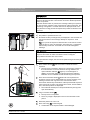
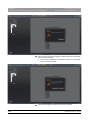
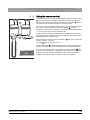
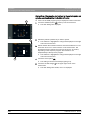
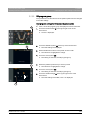
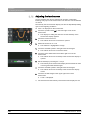
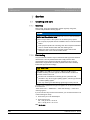
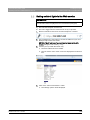
✔ The touchscreen display is located on level 1.
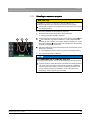
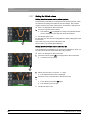
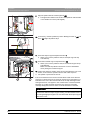
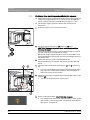
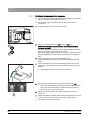
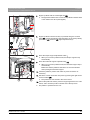
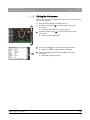
1. Touch the toothed wheel A in the upper right corner of the
touchscreen.
ª Level 2 is displayed.
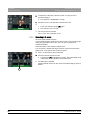
Ready for exposure
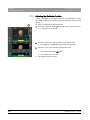
B
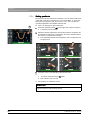
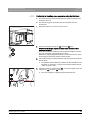
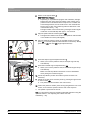
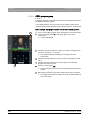
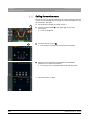
2. Touch the wrench symbol (B).
ª The display for entering the service password appears.
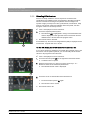
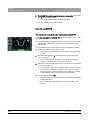
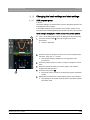
Select basic settings
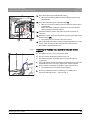
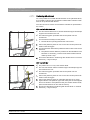
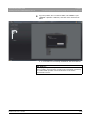
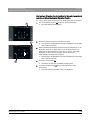
3. Enter the service password as described in the Installation
Instructions or in the Service Manual.
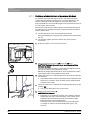
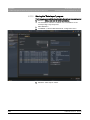
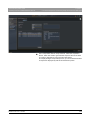
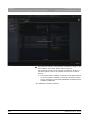
ª The service menu is displayed after it has been accessed.
ª The service menu is called.
132
64 94 954 D3632
D3632.201.03.01.23 05.2015