1
Chapter 3
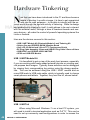
settings. To open the applications menu, click on the circle with the
six dots, which displays an alphabetical list of all installed apps. The
Recent menu shows the recently opened applications. Power Options
allows you to reboot, shutdown the device and put it in airplane mode,
which disables all wireless functions, including Bluetooth.
ODROID Utility and Updater
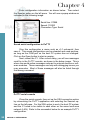
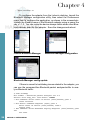
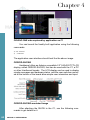
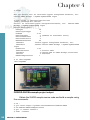
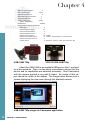
To run the ODROID Utility application, open the applications
menu and click on the ODROID Utility icon. When you start the
ODROID Utility for the first time, it will ask for superuser permissions,
which should be confirmed. This application contains several tabs
which can be used to configure various aspects of the hardware:
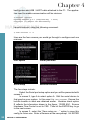
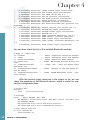
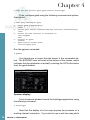
CPU changes the CPU governor settings and can set the Kodi media
center to launch at system startup. The Performance governor will
give the best speed but consume the most power.
Screen allows you to change the resolution as well as stretch and
move the screen.
Rotation allows you to rotate the screen to either Portrait or Landscape mode.
Setting the Display Resolution
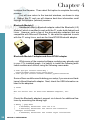
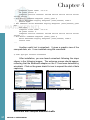
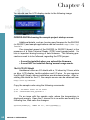
On the Screen tab of the ODROID Utility application, select the
preferred monitor resolution, then click on Apply and Reboot. The new
resolution will be active after the reboot has completed.
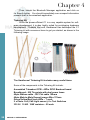
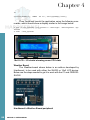
An overscan adjustment tool is also provided in the ODROID
Utility application. To adjust the screen, click on the Screen Tab. You
will then see a group of arrows that represents the four screen edges.
For the edges that you wish to adjust, click on the corresponding arrow
45 ODROID C1 USER MANUAL