1
WebGate
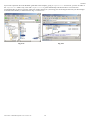
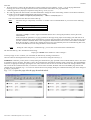
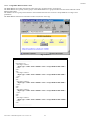
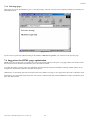
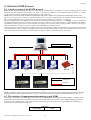
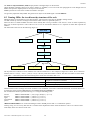
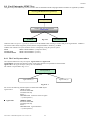
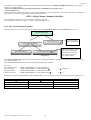
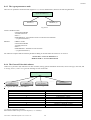
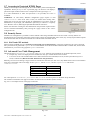
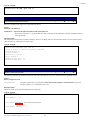
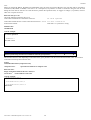
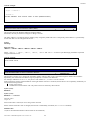
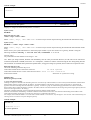
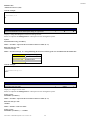
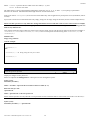
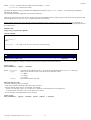
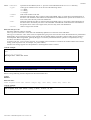
If you want to upload a file to the WebGate (pwd.html in the example), giving it “supervisor” access-level, you have to load it in
the “supervisor” folder. Only a user with “supervisor” or greater membership will then be able to view such a file.
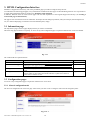
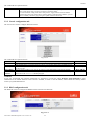
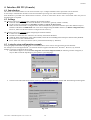
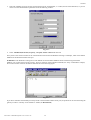
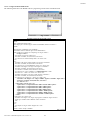
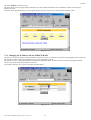
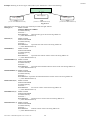
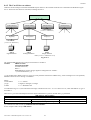
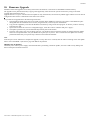
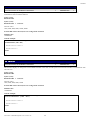
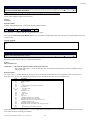
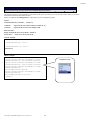
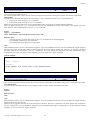
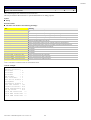
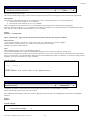
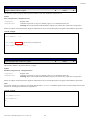
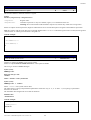
To upload the file you have to open the “supervisor” folder clicking on it, and using your mouse drag the file from your file manager
to the FTP client window, as shown below in Fig. 6.4.2 and 6.4.3.
Fig. 6.4.2
Cod. Carel +030220230 prelim. Vers. 28 nov. 02
Fig. 6.4.3
19