1
DataNET Troubleshooting Guide
Instructions
If an ANG_DN and a DataNET Hub fail to establish a link, this may be
due to one of two situations:
•
configuration conflict,
•
link signal quality problem.
Configuration
Conflicts
If after connecting an ANG_DN port the DNETB Green LED never
comes on, or intermittently flashes between green and red, there may be
a configuration conflict. Configuration conflicts can be caused by cabling
or improper software configuration parameters.
Cable Connected to
Wrong Hub or Port
Verify that the Channel A DataNET link is connected to the A Hub half
and that the Channel B DataNET link is connected to the B Hub half.
Verify that both Channels A & B utilize the same port number on their
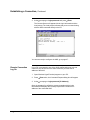
respective Hub half. Then display the Port Status screen by connecting a
PC to the Configuration Port, logging in, and typing display links. Verify
that the two Ports are connected as expected.
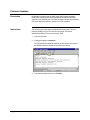
Example
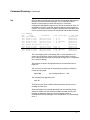
The following example shows that port #1 (ANG_DN Channel A board) is
connected to the ADH Channel. Port#2 (ANG_DN Channel A board) is
also connected to the DataNET Channel A Hub. Note that the Ethernet
cross-link status is Online.
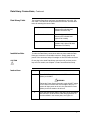
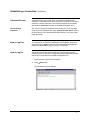
local> display links
Port:
Medium:
Status:
Connected to:
1
ADH Copper Connected
ADH Channel A
2
DN
DN Channel A
Ethernet
Copper Connected
Online
Cable Impedance
Matching
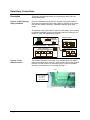
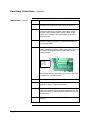
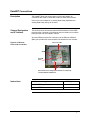
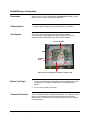
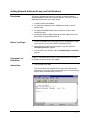
Improper cable impedance matching. Verify that the impedance jumpers
located on J2 are set to match the attached cable impedance. The
available selections are for 100, 120, and 150 Ohms.
Cable Shielding
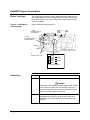
Cable Shielding problems. Make sure the cable is of the recommended
type and that the twisted-pair shield is grounded at one end only. (Hub
end recommended.)
2000591-001
Troubleshooting • 79