1
Getting Started
Contents
• Getting Started
– Setting up the Pharmacy
– Logging In
– Changing Passwords
How to get started with the Electronic Controlled Drug Register. This chapter includes setting up the pharmacy
and logging in to the application for the first time.
4.1 Setting up the Pharmacy
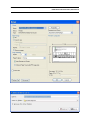
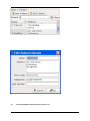
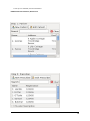
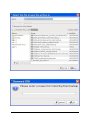
On first use of the application, the administrator will be prompted to enter the pharmacy details. These should
be entered carefully, as they can only be entered once and are not changeable afterwards.
Once entered, the ok button should be clicked, and the application will start as normal, and the user will be
prompted to log in.
4.2 Logging In
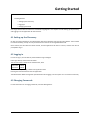
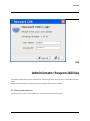
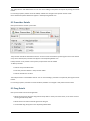
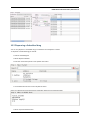
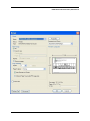
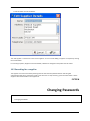
In order to log in, the user will be presented with a login dialogue:
Enter login details, and click the ok button.
The initial account is setup for the administrator, with:
Username: admin
Password: admin
You have 3 attempts to log in before the application exits.
Pressing the cancel button will exit the application.
The administrator MUST change their password when first logging in to the system. This is a feature of security.
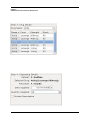
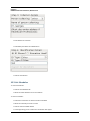
4.3 Changing Passwords
For full information on changing passwords, see User Management.