1
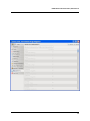
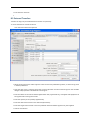
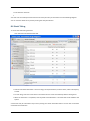
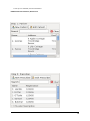
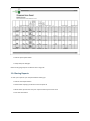
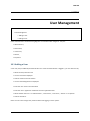
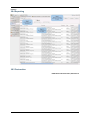
• Click the print report button
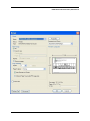
• Accept the print dialogue.
Note: Printing large reports is liable to take a long time.
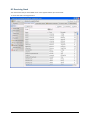
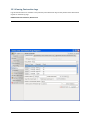
11.4 Saving Reports
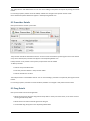
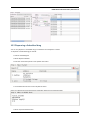
To save your report to your computer before backing up:
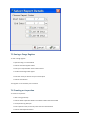
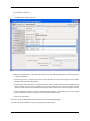
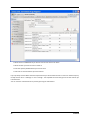
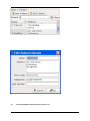
• Click the save report button
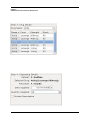
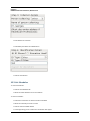
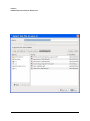
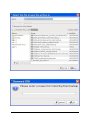
• Choose what report(s) you want to save and press ok
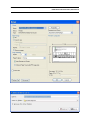
• Select where you want to save your report and what you want to call it
• Press the save button.