1
6.2 How to use on-screen keyboard 43
6.2
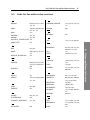
How to use on-screen keyboard
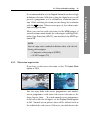
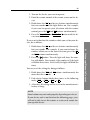
You can move the highlight key
and
horizontally with the
buttons and vertically with the
buttons. Pressing the
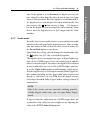
To type a space, select the Space key or alternatively press the
button. To type lower case letters or numerals, select the
button. To delete a letShift key or alternatively press the
ter, put the cursor to the right of the desired letter on the input
butline and then select the Del key or alternatively press
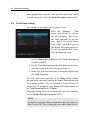
ton. You must select the Save key or alternatively press the
button to complete your typing; otherwise if you press the
EXIT button, it will not be saved.
Organising Services
ter in the input line.
6
and
OK button on a key enters its let-