1
Stratagy DK
--- _- __---~-~
_ -_-
__--_l__-
lnsfallafion
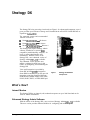
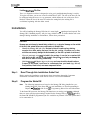
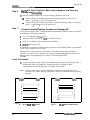
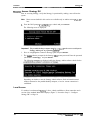
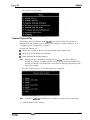
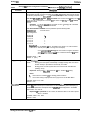
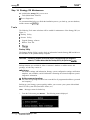
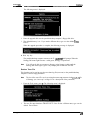
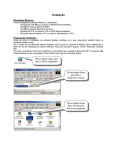
The following menu is displayed:
2.
Place the upgrade disk into the portable/desktop computer’s floppy-disk drive.
3.
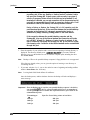
The default directory is A:. If you need a different drive, type over the default. Piess
Enter.
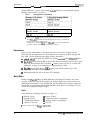
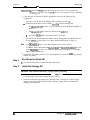
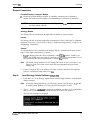
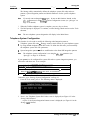
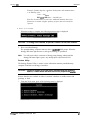
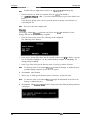
When the upgrade procedure is complete, the following message is displayed:
4. Press any key.
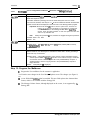
The portable/desktop computer returns to the C : \ADMPN3 DOS prompt. When the
Stratagy DK status light becomes a solid green, Stratagy is operational.
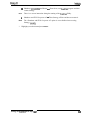
Note
You will not be able to reconnect to Stratagy using Stratagy Admin until the
Stratagy DK status light is green. Any attempt prior to that time will fail.
Retrieve Trace File
This function can be used to copy the trace data log file (trace.out) to the portable/desktop
computer’s hard or floppy-disk drive.
Note
The size of the trace file can be set using the truce-cap parameter in the install.cfg file
of Stratagy (see “trace-cap” on Page 22 for a description of the parameter).
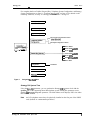
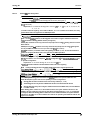
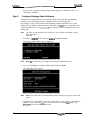
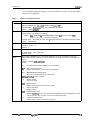
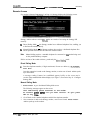
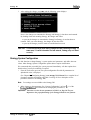
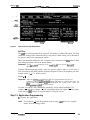
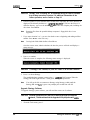
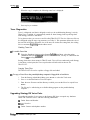
1. From the Tools menu, press 7. The following menu is displayed:
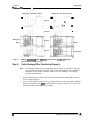
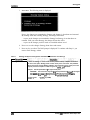
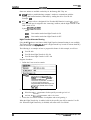
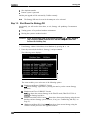
2. The trace file name defaults to TRACE. OUT. If the file has a different name, type over the
default. Press Enter.
Stratagy DK Installation Guide April 1997
29