1
1. Introduction
ALCASAR is a free and open-source Network Access Controler (NAC). This paper describes how to use it and
how to administer it.
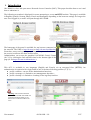
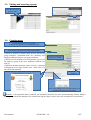
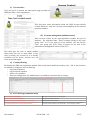
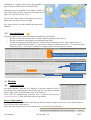
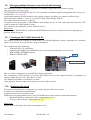
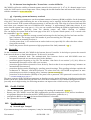
The following screenshot is displayed for users attempting to access an HTTP website. This page is available
in English, Spanish, German, Dutch, French and Portuguese depending on the browsers settings. As long as the
user is not logged in, no traffic will pass through ALCASAR.
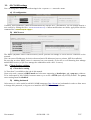
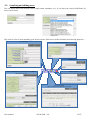
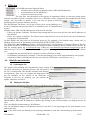
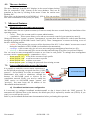
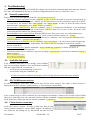
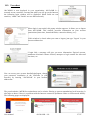
The homepage of the portal is available for any browser connected on
the network. The URL is http://alcasar (or http://alcasar.localdomain).
From there, users can log on, log out, change their password and install
the security certificate into their web browsers.
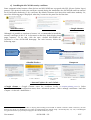
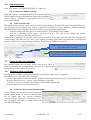
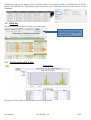
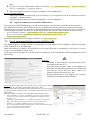
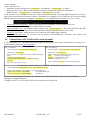
Administrators can access the graphical ALCASAR Control Center
(A.C.C) by clicking the little notched wheel at the bottom right of the
page (or via https://alcasar.localdomain/acc).
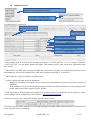
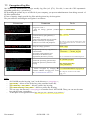
This ACC is available in two languages (English and French) via an encrypted flow (HTTPS). An
authentication is required with a login name in one of the three following profiles (cf. §7.1) :
● profile « admin » can use all the administration functions ;
● profile « manager » is limited to user management functions ;
● profile « backup » is limited to a backup (of the log files) function.
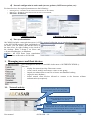
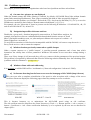
Warning : The intrusion detection
system of ALCASAR will forbid new
connection attempts during 3’ if it
detects three connection failures on
ACC.
User manual
ALCASAR – 2.9
3/37