1
160
APPENDIX B. MENU AND TOOLBAR REFERENCE
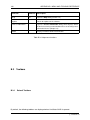
Function
Shortcut
Description
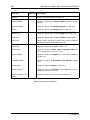
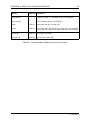
Create New Slab Definition...
Open the Create New Slab Definition dialog (Section 15.2).
Project Details...
Open the Project Details dialog (Section 13.2.1).
Preferences...
Open the Preferences dialog, where project default settings
can be specified (Section 11.1).
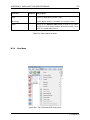
Table B.6: Tools menu functions
B.2.7
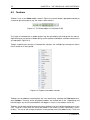
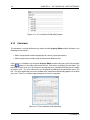
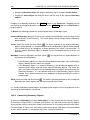
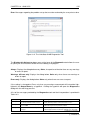
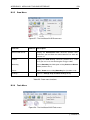
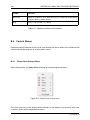
Loads Menu
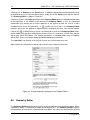
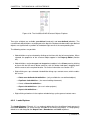
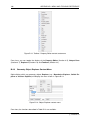
Figure B.9: The LimitState:SLAB Loads menu
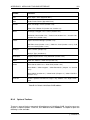
Function
Shortcut
Description
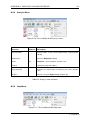
Load Case Manager...
Open the Load Case Manager dialog (Section 17.3).
Add Point Load
Define the location and magnitude of a new point load within
the Viewer Pane (Section 17.2.1).
Add Line Load
Define the location and magnitude of a new line load within
the Viewer Pane (Section 17.2.2).
Add Pressure Load
Define the location and magnitude of a new pressure load
within the Viewer Pane (Section 17.2.3).
Table B.7: Loads menu functions
c LimitState Ltd