1
10.6.1 - Add a new daily check
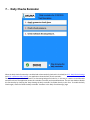
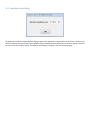
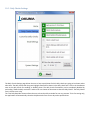
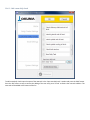
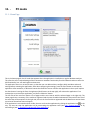
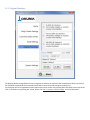
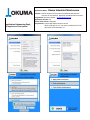
To add a new daily check input the name of the new task in the ‘Input new daily task:’ textbox and press the ‘Add’ button.
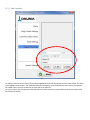
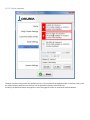
Press the ‘OK’ button on top to confirm the adding of the new task, press ‘Cancel’ to dismiss the new task addition. The
new task will be added at the bottom of the list.