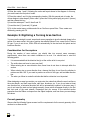
1
Creating Embroidery Designs
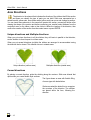
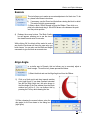
Incorrect geometry
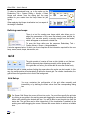
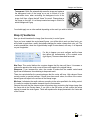
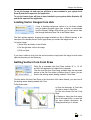
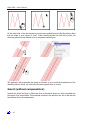
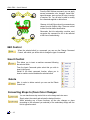
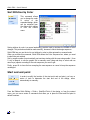
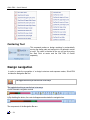
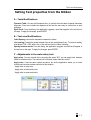
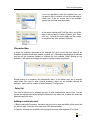
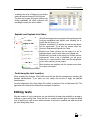
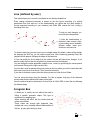
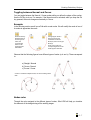
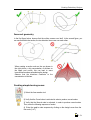
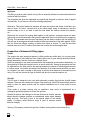
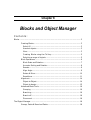
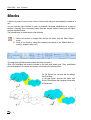
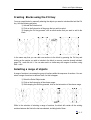
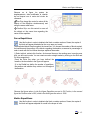
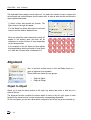
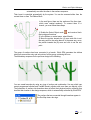
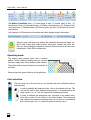
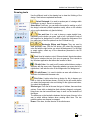
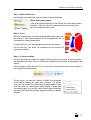
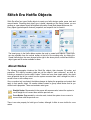
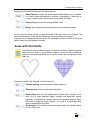
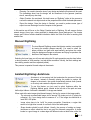
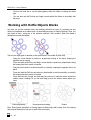
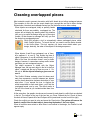
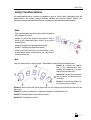
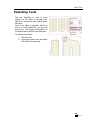
In the first figure below, observe that the outline crosses over itself. In the second figure, you
can see that within the section, the two direction lines cross over each other.
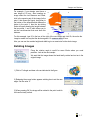
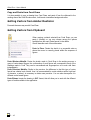
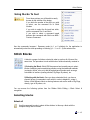
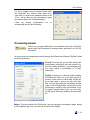
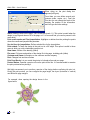
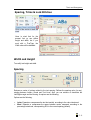
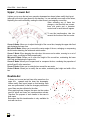
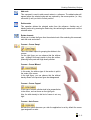
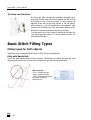
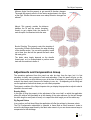
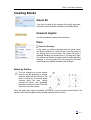
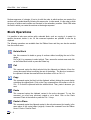
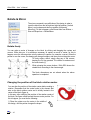
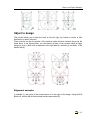
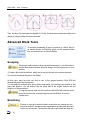
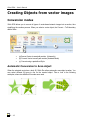
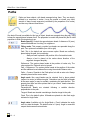
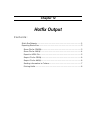
When creating a section such as the one shown in
the right picture, a big concentration of stitches on
the upper part occurs; this can lead to some
inconveniences when embroidering the design.
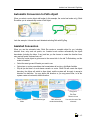
Observe that the directions contribute to the
concentration of stitches.
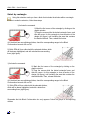
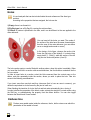
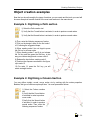
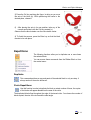
Creating simple turning areas:
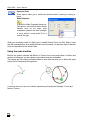
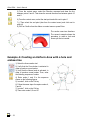
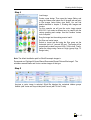
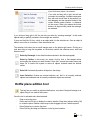
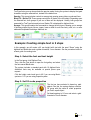
1) Select the Area creation tool
2) Verify that the Curve button is activated in order to produce curved nodes.
3) Verify that the Normal node is activated, in order to produce normal nodes.
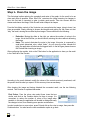
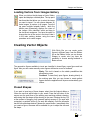
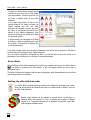
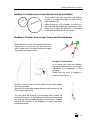
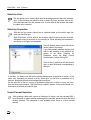
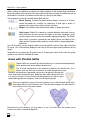
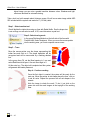
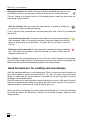
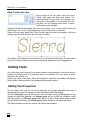
Then, enter the following sequence of nodes:
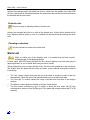
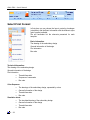
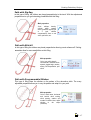
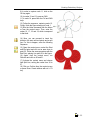
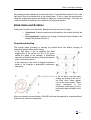
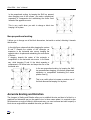
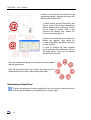
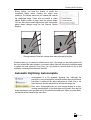
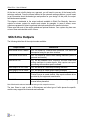
4) Enter the graph’s node sequence by clicking on the design’s area from the
first node (1 to 7)
6 - 31