1
FRS User Manual Maintenance Manual
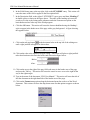
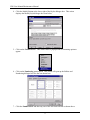
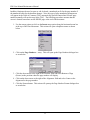
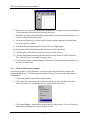
14. Click on the Borders and Shading option on the dropdown menu. This action will open
the Borders and Shading dialogue box like the one seen here.
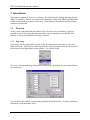
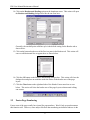
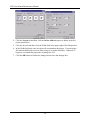
Generally, the one half point solid line style is the default setting for the Borders tab as
shown above.
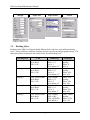
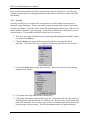
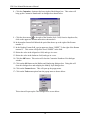
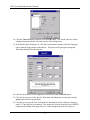
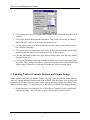
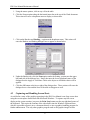
15. Click on the bottom border area of the Preview pane in the Borders tab. This action will
cause a solid horizontal line to appear there as shown below.
16. Click the OK button on the Borders and Shading dialogue box. This action will close the
dialogue box and place an underline under the entries in the header area of the page
layout.
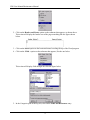
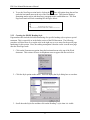
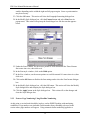
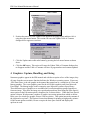
17. Click the Close button at the right hand side of the Header Footer menu bar as seen
below. This action will close the header area of the page layout so that normal editing
can resume.
2.2
Footer Page Numbering
Footer areas of the page usually have items like page numbers. Word‟s help system documents
this function well. However, some subject like how that numbering mechanism finds use in the
6