1
Chapter 3 Inteface of CCHE Mesh Generator
•
CCHE Mesh Generator 32
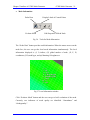
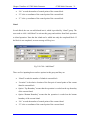
“Y” is the y-coordinate of the control point of the current island.
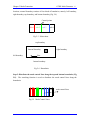
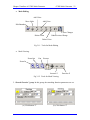
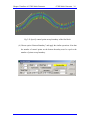
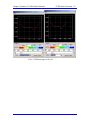
There are three command buttons in this boundary creator window. Currently, “Connect”
is not enabled.
•
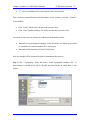
Click “Undo” and the user can cancel the current action.
•
Click “Save” and the boundary file will be created and saved into a file.
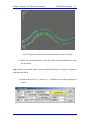
In current version, two new features are added into the boundary creator:
•
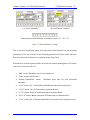
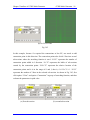
Reminder of top and bottom boundary: in the first block, two labels are provided
to remind the user which boundary he is working on.
•
Reminder of the directions of I and J of the blocks.
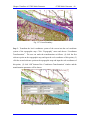
Now an example will be discussed in detail to demonstrate this process.
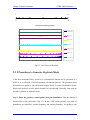
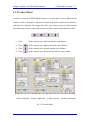
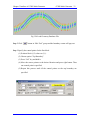
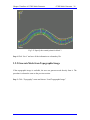
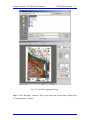
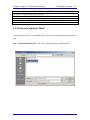
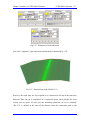
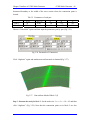
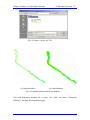
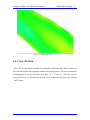
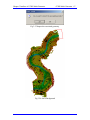
Step-1 Click “Topography” menu and choose “Load Topographic Database File”. A
bend channel is loaded and it will be divided into three blocks in which there is one
island.