1
AN706-00040-2v0-E
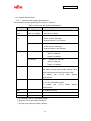
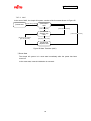
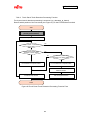
⑥ Audio Data Playback State
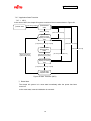
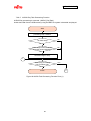
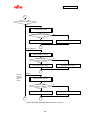
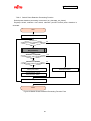
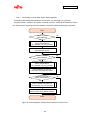
After display processing is completed for the LCD in audio data image display
processing state, if the target MP3 file exists, the system is in audio data playback
stop state.
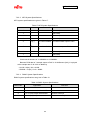
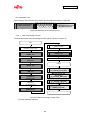
[Individual State]
Play/Stop switch
Playback is stopped by pressing down the play/stop, and the system shifts to
audio data selection image display processing state.
Selection previous switch, selection next switch
Does not function even if pressed down.
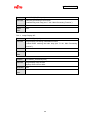
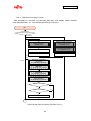
LCD Touch Panel
If the touch panel is touched, playback stops and the system shifts to audio data
selection image display processing state.
LED
The LED of the target audio data lights.
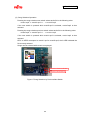
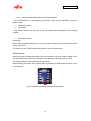
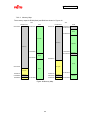
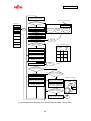
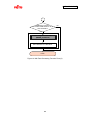
LCD
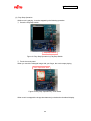
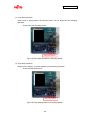
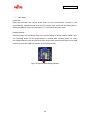
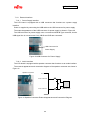
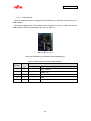
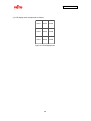
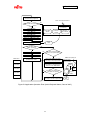
Image display is as shown in Figure 54.
USB
State where USB memory is inserted in the USB memory connector. If the USB
memory is removed in this state, playback stops and the system shifts to
initialization state and waits for the USB to be re-inserted.
77