1
AXIS 206 - Install the AXIS 206W
Install the AXIS 206W
Before the AXIS 206W can connect to an encrypted wireless network, the wireless settings
in the camera must be configured and an IP address must be set. This is done by
connecting the camera to a computer with the help of the supplied USB cable. Follow the
instructions below.
Set up the wireless connection - Windows
Fi
re
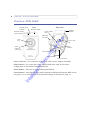
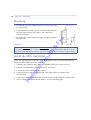
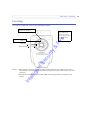
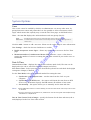
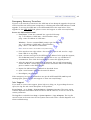
1. Connect the power adapter to the camera. Press the power cable into the cable clip on
the rear panel. This will help prevent accidental cable disconnection.
llig
en
tS
ec
ur
it
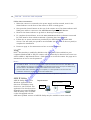
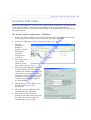
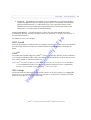
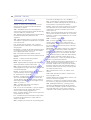
3. Open My
Computer or
Windows
Explorer, and the
AXIS 206W
should be
displayed as a
new drive.
y&
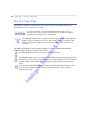
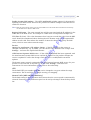
2. Connect the USB cable to your computer and then to the camera.
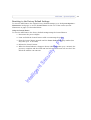
4. Click on the drive
for the AXIS
206W to see the
files contained in the camera.
The AXIS 206W displays
as a drive
In
te
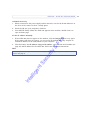
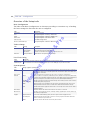
5. Click on the file setup.exe. This starts
the AXIS Setup Tool, which lets you
configure the wireless settings. See the
online help in the setup tool for more
information. Note that you should first
configure your wireless access point
and then duplicate those settings in
the AXIS 206W.
6. Specify the type of IP address to use.
See the online help for more
information.
7. Click OK, close the AXIS Setup Tool
and disconnect the USB cable.
8. Wait at least 10 seconds for the
settings to take effect and then restart
the camera by disconnecting and
reconnecting the power cable.
15