1
Chapter 5: WebPAM
1.
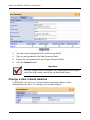
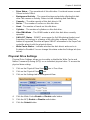
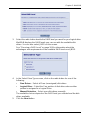
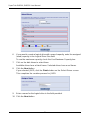
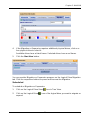
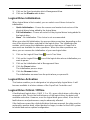
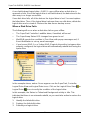
Click on the User ID link for the user whose email address will change.
2.
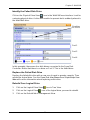
Type a new email address in the Email field.
3.
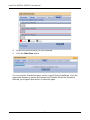
Click the Submit button.
Change a User’s Access Rights
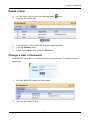
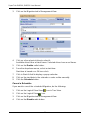
In WebPAM, the Administrator can change a user’s access rights. To change a
user’s access rights:
1.
Log in as the Administrator.
2.
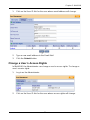
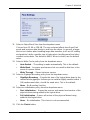
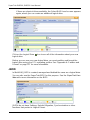
Click on the User ID link for the user whose access rights will change.
57