1
Chapter 4 Configuring the 6000/6000A Platform
Defining the screen parameters of the 6000/6000A Platform
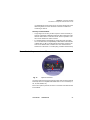
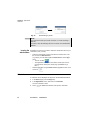
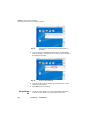
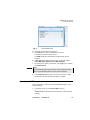
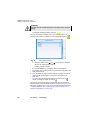
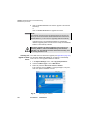
If Server Name is selected, enter the name of the server, and if
necessary a name for second server. During synchronization, the
first server name will always be used, but if a fail occurs, the second
one will be used.
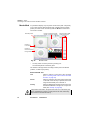
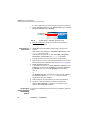
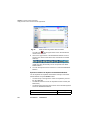
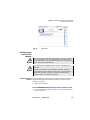
During synchronization, the icon
displays for a few seconds.
If Dynamic or Static mode is defined, the current Date and Time cannot
be modified (parameters are greyed).
If the network configuration is modified, synchronization may be
lost.
–
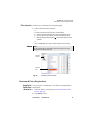
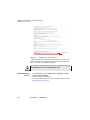
None: the time is not synchronized according to a server. In this
case, the user can reset date and time himslef, using the fields Date
and Time.
Defining the screen parameters of the 6000/6000A Platform
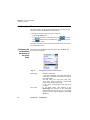
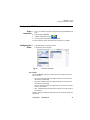
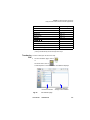
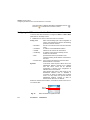
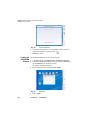
In the System Settings page, the following parameters can be defined:
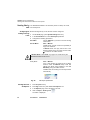
Backlight
1
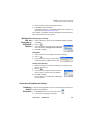
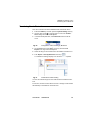
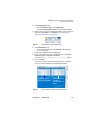
Click on Backlight
2
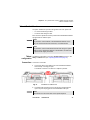
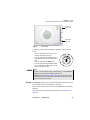
Define the backlight level of the screen, using the left and right
direction keys, or clicking on Edit Number softkey and using the
keypad displayed.
–
–
Min backlight level: -5
Max backlight level: +5
If the 6000/6000A Platform is operating on battery, it is advisable
to choose a minimum lighting level, acceptable for the user, to
keep endurance as long as possible.
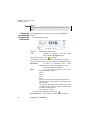
Contrast
1
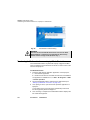
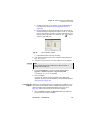
Click on Contrast
2
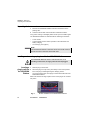
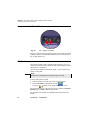
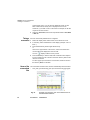
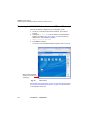
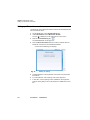
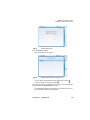
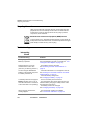
Select the type of environment into which the instrument is used:
–
–
22
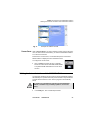
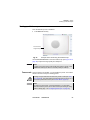
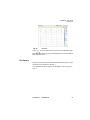
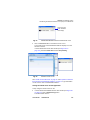
Indoor: to be selected when the instrument is used inside (see
Figure 10 on page 20)
Outdoor: to be selected in order to optimize the readability of
the screen for an outside use.
User Manual
760000002/10