1
Chapter 8 Applications
PDF viewer
PDF viewer
Opening a PDF
document
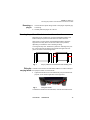
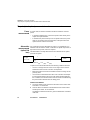
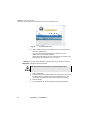
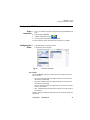
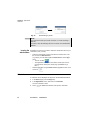
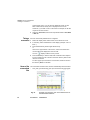
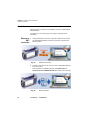
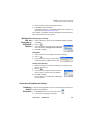
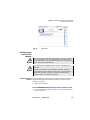
The simplest way to open a pdf file is to press FILE. Select Explorer, look
for your file and then select Load >Confirm Load to load the corresponding file. The file opens automatically in the PDF viewer.
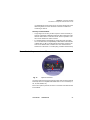
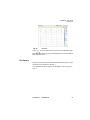
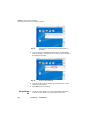
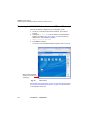
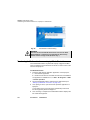
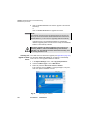
Another way used to open a pdf document is to press SYSTEM > App’s
and select the PDF Reader icon.
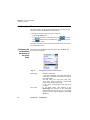
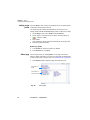
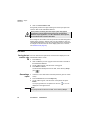
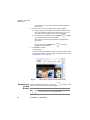
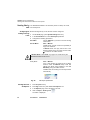
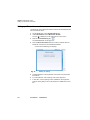
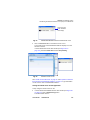
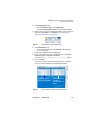
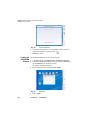
The PDF Reader opens but without document. To open a PDF
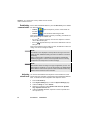
document, click on the icon
, or press FILE hard key, and select
a document in the file explorer dialog box.
Interacting with
a PDF
document
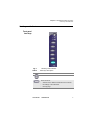
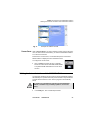
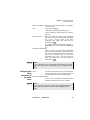
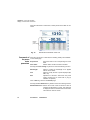
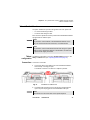
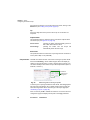
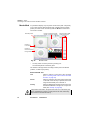
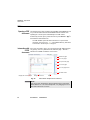
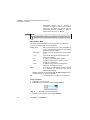
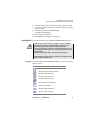
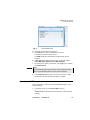
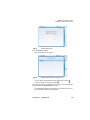
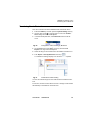
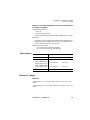
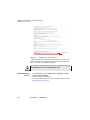
Once your document is open, you may browse through different pages
very quickly, zoom to a particular level, rotate the page... All these
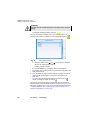
features are available via buttons on the screen.
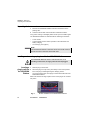
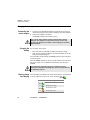
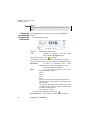
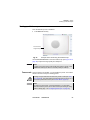
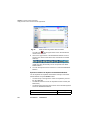
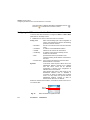
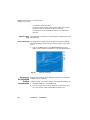
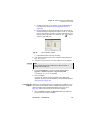
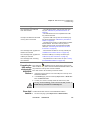
Rotate the page
Go to 10 pages
Go to previous page
Go to next page
Go to 10 pages more
Exit PDF viewer
Display the current page #
Change zoom level
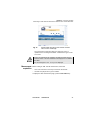
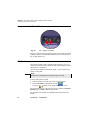
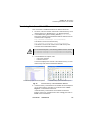
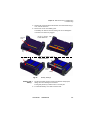
Fig. 30
Open
PDF Viewer Graphical User Interface
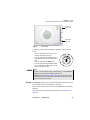
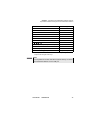
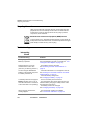
NOTE
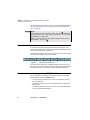
You may scroll in all directions using the direction keys of the 6000/
6000A Platform or of an external keyboard, or by dragging the scroll
bars with touchscreen or mouse.
62
User Manual
760000002/10