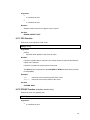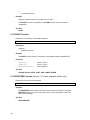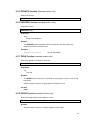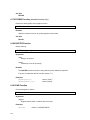
1
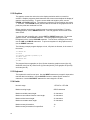
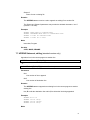
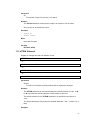
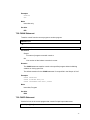
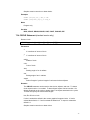
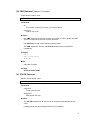
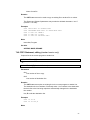
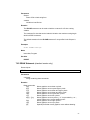
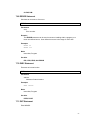
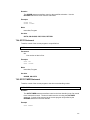
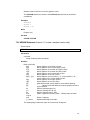
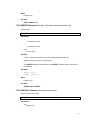
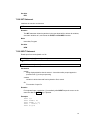
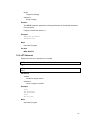
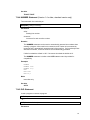
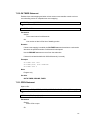
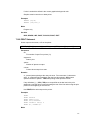
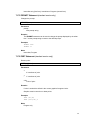
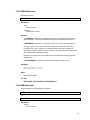
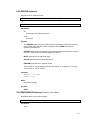
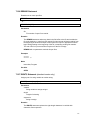
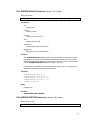
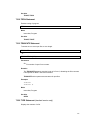
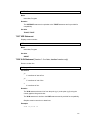
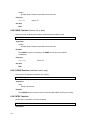
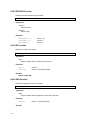
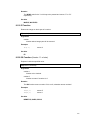
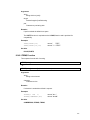
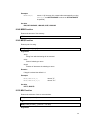
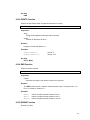
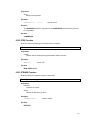
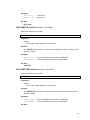
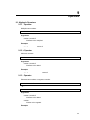
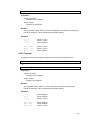
filespec2
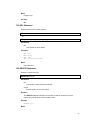
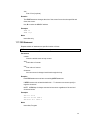
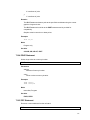
Name of new or existing file.
Remarks
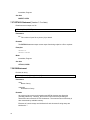
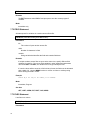
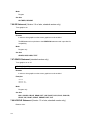
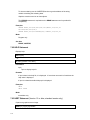
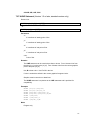
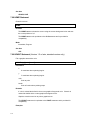
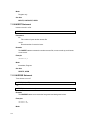
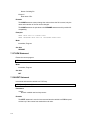
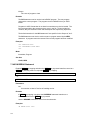
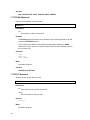
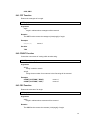
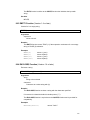
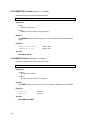
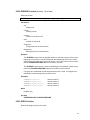
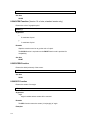
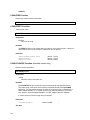
The APPEND statement can be used to append an existing file to another file.
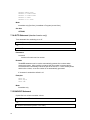
The filespec and filespec2 parameters may contain the wildcard characters * and ?.
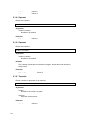
(Version 1.5 or later)
Examples
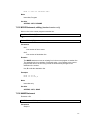
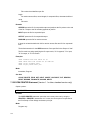
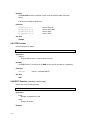
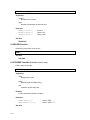
APPEND
APPEND
APPEND
APPEND
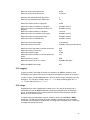
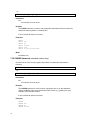
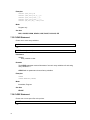
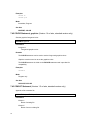
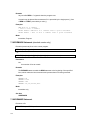
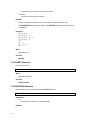
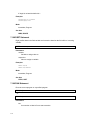
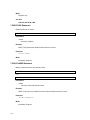
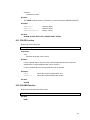
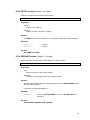
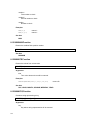
"TEST.DAT" TO "CONFIG.DAT"
"PROGRAMS:TEST.DAT" TO "DATA:TEST.DAT"
"*.LOG" TO "HISTORY.TXT"
"*.TXT" TO "*.DOC"
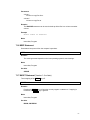
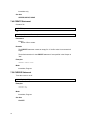
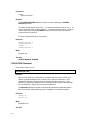
Mode
Immediate, Program
See Also
COPY, MOVE, RENAME
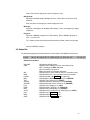
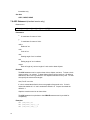
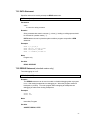
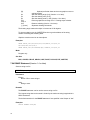
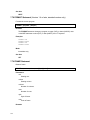
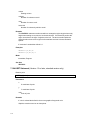
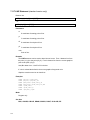
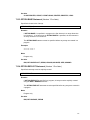
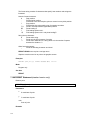
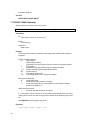
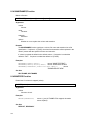
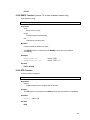
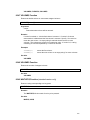
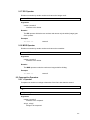
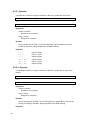
7.7 APPEND Statement, editing (standard version only)
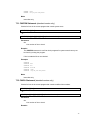
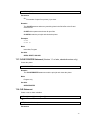
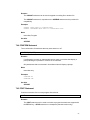
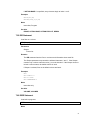
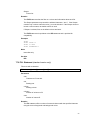
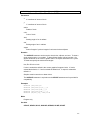
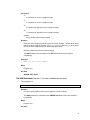
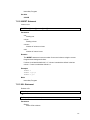
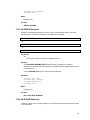
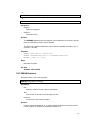
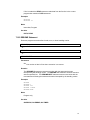
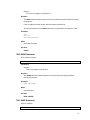
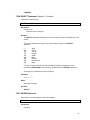
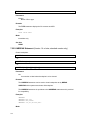
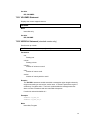
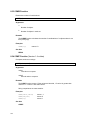
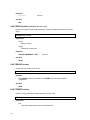
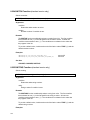
Appends a line in the current program to another line.
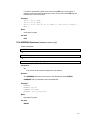
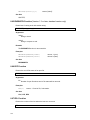
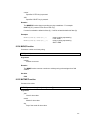
APPEND line1 TO line2[,{E | D | ED}]
- or A. line1 TO line2[,{E | D | ED}] (Version 1.5 or later)
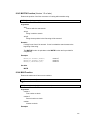
Parameters
line1
Line number of line to append.
line2
Line number of destination line.
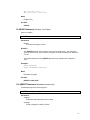
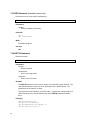
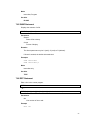
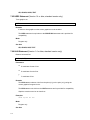
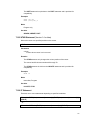
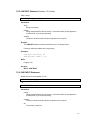
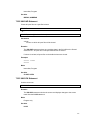
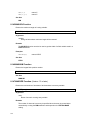
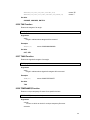
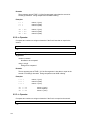
Remarks
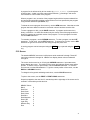
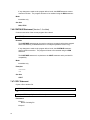
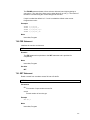
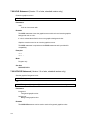
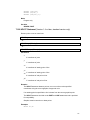
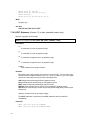
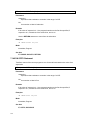
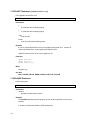
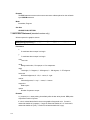
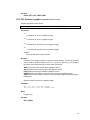
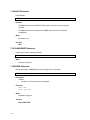
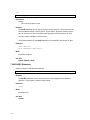
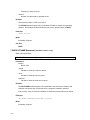
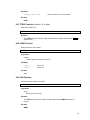
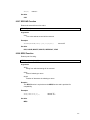
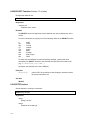
The APPEND statement appends an existing line in the current program to another
existing line.
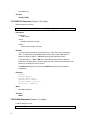
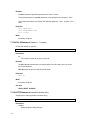
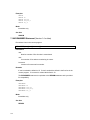
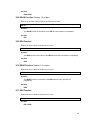
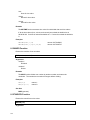
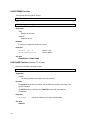
Use ,E to edit the destination line and/or ,D to delete the line being appended.
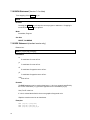
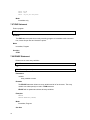
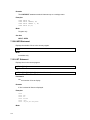
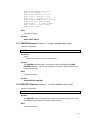
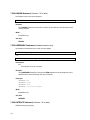
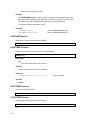
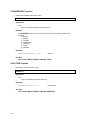
Examples
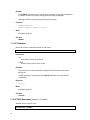
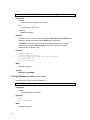
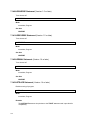
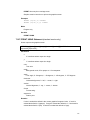
APPEND
APPEND
APPEND
APPEND
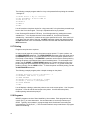
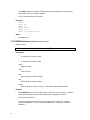
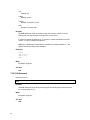
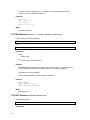
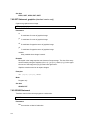
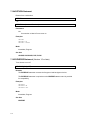
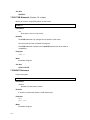
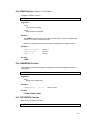
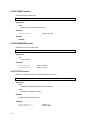
80 TO 70
150 TO 140,E
150 TO 140,ED
205 TO 200,D
Mode
61