1
www.safetybasement.com
Video mode:
Start recording indicator: the green light flashes six times, then lights turn off.
Video Pause: prolonged green light
Low battery: green light flashes quickly
Charging: a prolonged green light and the red light flash slowly.
Full power: a prolonged green light and red light is out.
a 2.button:K1 :touch the button to turn on ,turn off, start, stop, video recording
K2: for the camera, open and view the current state of motion detection.
a 3.socket: USB socket(1) is used to connect computer or charger. It is the
Interface for data transfer and charging
a 4.camera :(6) it is used to get the image signal
a 5. Clock adjustment knob: it is used to adjust the watch time.
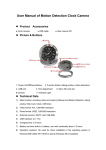
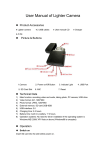
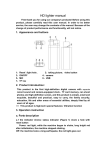
1. USB
2. TF card
3. K1:On/off
4. K2: taking picture, motion detection button
5. Clock adjustment knob
6. Camera
7. Light indicator
1-877-345-2336
Page 2