1
8 Other software options
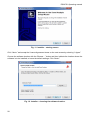
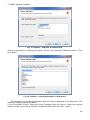
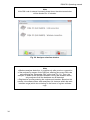
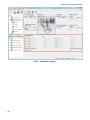
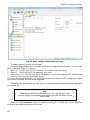
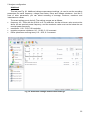
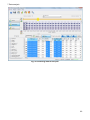
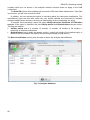
Click the Add icon to add a new analyzer, as in the window below:
Fig. 75. Adding an analyzer to the database.
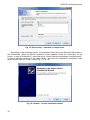
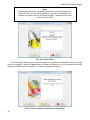
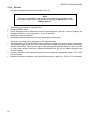
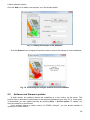
Click the Remove icon to display the window used to remove the analyzer from the database:
Fig. 76. Confirming the analyzer removal from the database.
8.5
Software and firmware updates
At each launch, the software checks the availability of a new version on the server. This
function can be activated or deactivated in the software preferences (see item 8.3.1). If the option
is deactivated, you can update manually be selecting Help → On-line update. To update, you
need a connection to the Internet.
If the software detects a newer version of “SONEL Analysis”, you can decide whether to
update your current version.
99