1
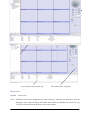
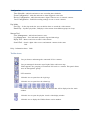
Play Bar Items
Stops the displayed video in the channel.
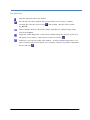
Records the video in the channel.The icon will display service changes, if VMS is
recording the videos, the icon will turn
. The recorded video file will be saved in
C:\_Record.
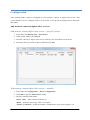
Takes a snapshot from the video in the channel. By default, the captured image will be
saved in C:\ Capture.
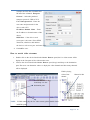
Toggles the sound channel On / Off. At factory default settings, the sound is off.The icon
will display service changes, if the sound is on, the icon will turn
.
Establish or close two-way audio in the channel. At factory default settings, there is no
audio connection.The icon will display service changes, if the two-way audio is established,
the icon will turn
.
Page 7 of 18