1
System Monitoring and Troubleshooting
6--7
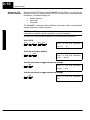
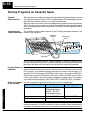
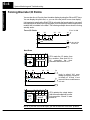
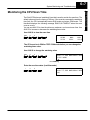
The DL405 CPUs have a “watchdog” timer that is used to monitor the scan time. The
default value set from the factory is 200 ms. If the scan time exceeds the watchdog
time limit, the CPU automatically leaves RUN mode and enters PGM mode. The
Handheld displays the following message E003 S/W TIMEOUT when the scan
overrun occurs.
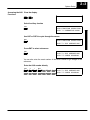
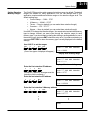
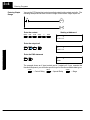
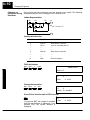
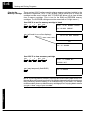
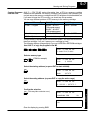
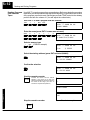
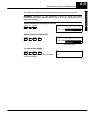
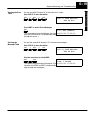
You can use AUX 53 to view the minimum, maximum, and current scan time. Use
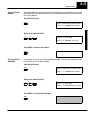
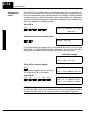
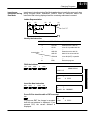
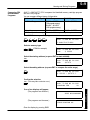
AUX 55 to increase or decrease the watchdog timer value.
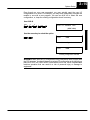
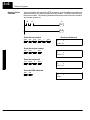
Use AUX 53 to view the scan time
AUX
5
3
SCAN
0004
MAX
0006
MIN
0002
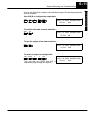
The CPU must be in PGM or TEST--PGM mode before you can change the
watchdog timer value.
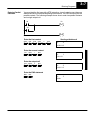
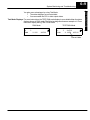
Use AUX 55 to change the watchdog value
AUX
5
5
AUX 55 SET WATCHDOG TMR
0200 MSEC
current setting
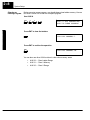
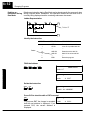
Enter the new time value (in milliseconds)
1
0
0
AUX 55 SET WATCHDOG TMR
OK
System Monitoring
and Troubleshooting
Monitoring the CPU Scan Time