1
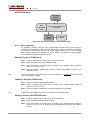
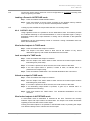
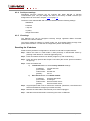
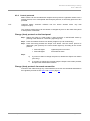
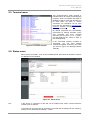
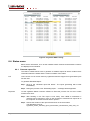
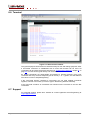
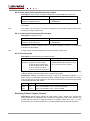
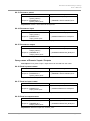
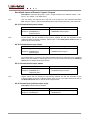
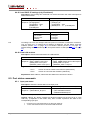
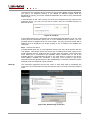
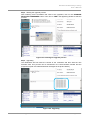
Figure 10-6. Selecting new firmware files
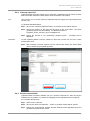
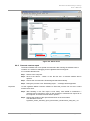
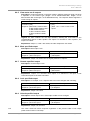
Step 7. Enable the upgrade and Quick Bootload mode
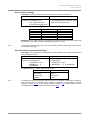
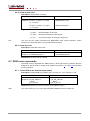
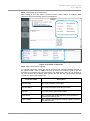
After selecting the new firmware file, you must enable the upgrade by clicking the
checkbox left to the controller type (marked with a red rectangle in the picture below).
You may enable Quick Bootload mode by clicking the checkbox next to it (marked with a
blue rectangle in the picture below). Quick Bootload mode speeds up the process by not
reading back the written data, only verifying the checksum. It can be enabled and
disabled any time during the upgrade process.
Figure 10-7. Enabling the upgrade and Quick Bootload mode
Page 76 / 92
Section 10. Firmware upgrade