1
44
SmartWatch® IP Network Camera User Manual
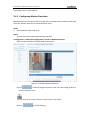
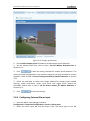
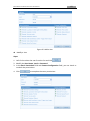
(5) (Optional) Click
to clear all of the areas.
(6) (Optional) Move the slider
to set the sensitivity of
the detection areas.
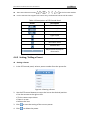
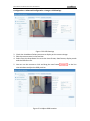
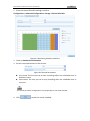
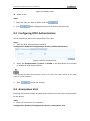
2. Set the Arming Schedule for Motion Detection.
Steps:
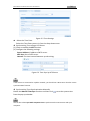
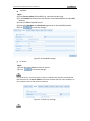
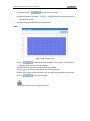
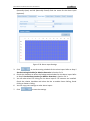
Figure 5-28 Arming Time
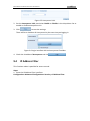
(1) Click
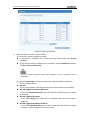
to edit the arming schedule. The Figure 5-29 shows the
editing interface of the arming schedule.
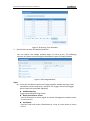
(2) Select the day you want to set the arming schedule.
(3) Click
to set the time period for the arming schedule.
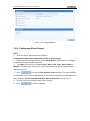
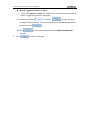
(4) After you set the arming schedule, you can copy the schedule to other days.
(5) Click
to save the settings.
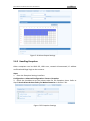
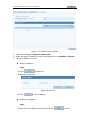
Up to 4 time periods can be configured per day.