1
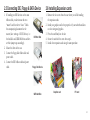
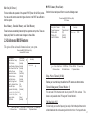
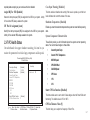
6. Type the filename of the new BIOS in the “File Name to Program” text
box. Follow the onscreen directions to update the motherboard BIOS.
7. When the installation is complete, remove the floppy diskette from the
diskette drive and restart your computer. If your motherboard has a
Flash BIOS jumper, reset the jumper to protect the newly installed
BIOS from being overwritten.
3.2-2 Using ECS EZ Flash to update your BIOS
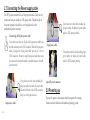
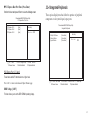
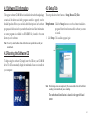
The ECS EZ Flash feature allows you to easily update the BIOS without
having to go through the long process of booting from a diskette and using
a DOS-based utility.
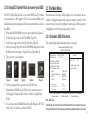
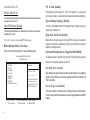
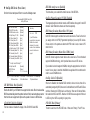
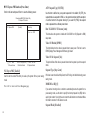
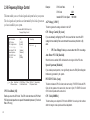
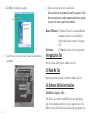
3. Select the “Flash” button.
4. The Utility will update the new BIOS into the motherboard Flash
ROM.
Note: EZ Flash only supports Windows 2000/XP.
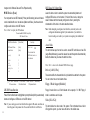
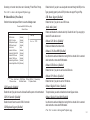
1. Download the last BIOS file for this motherboard from ECS web site
(www.ecs.com.tw). Copy these files to any storage device that you
have.
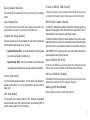
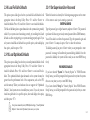
2. Enable the utility from ECS support CD, then click the “Load” button
and select the BIOS that you have downloaded in advance.
3-2
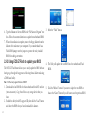
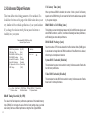
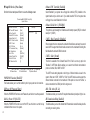
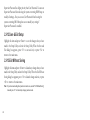
5. Click the “Reboot” button if you want to adopt the new BIOS or
choose the “Cancel” button if you still want to use the previous BIOS.