1
Installing Plogue chipsounds
Installing Plogue chipsounds is easy. Before you begin, make sure you meet the system requirements The full installa tion requires approximately one hundred megabytes of free hard disk space. Installation involves installing the chip sounds instruments and also the advanced ARIA engine. A setup program will guide you through the process step-bystep.
Mac Setup
♦
♦
♦
♦
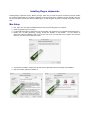
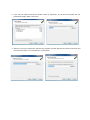
First, make sure your audio and MIDI hardware is set up and working with your computer.
Close any programs you are running.
For the Download version of chipsounds, the Archive Utility will unpack this to your default downloads directory.
Double click on MAC_chipsounds_v1.6.pkg (Accept the defaults on the installer. For CD versions of
chipsounds, take the Installation disk out of its case, put it) into your CD drive in the computer and close the
drive tray. You should see a Welcome Screen.
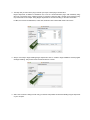
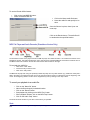
♦ You will then be asked to accept the End User License Agreement before proceeding with installation.
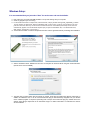
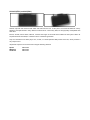
♦ And choose which partition to install it on: