1
D-Link DMG-112A N300 Wireless Range Extender User Manual
Basic Installation
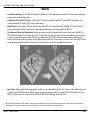
This section will walk you through the installation process. Placement of the device is very important. Do not place the device in an enclosed area such as a closet, cabinet, or
in the attic or garage.
Before You Begin
Please read and make sure you understand all the prerequisites for proper installation of your new device. Have all the necessary information and equipment on hand before
beginning the installation.
Installation Notes
In order to establish a connection to the uplink router it will be necessary to provide information to the wireless repeater that will be stored in its memory. For some users, only
their account information (Username and Password) is required.
Operating Systems
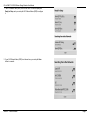
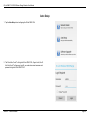
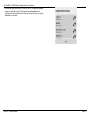
D-Link DMG-112A could be managed and setup by D-Link One-Touch™. D-Link One-Touch™ is available for android and iOS mobile operating system.
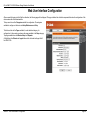
The D-Link DMG-112A uses an HTML-based web interface for setup and management. The Web configuration manager may be accessed using any operating system
capable of running web browser software, including Windows ®, Macintosh, and Linux-based Operating Systems.
Web Browser
Any common Web browser can be used to configure the D-Link DMG-112A using the Web configuration management software. The program is designed to work best with
more recently released browsers such as Internet Explorer 7 or higher, Firefox 3.5 or higher, Safari 4 or higher, or Chrome 8 or higher. The Web browser must have
JavaScript enabled. JavaScript is enabled by default on many browsers. Make sure JavaScript has not been disabled by other software (such as virus protection or web user
security packages) that may be running on your computer.
Section 2 - Basic Installation
Page 5