1
1 Introduction
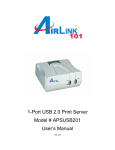
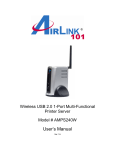
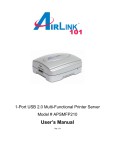
Congratulations on purchasing your 1-Port USB 2.0 Multi-Functional Printer Server. It is
the easiest and fastest way to deploy printers on your network.
The MFP print server allows you to share your All-in-One multi-functional printer on your
LAN. You can do printing, faxing, and scanning on any of your computers that connects
to the network. It also features a Web-based Configuration Utility, which allows you to
set up the Print Server through the web browser easily and quickly. It manages the flow
of print files from computers to the connected printer, delivering print jobs to highperformance printer much faster than a file server or a PC acting as a print server can.
1.1 Package Contents
Unpack the package and check all the items carefully, and be certain that you have:
•
•
•
•
•
1-Port USB 2.0 MFP server
AC Power Adapter
Quick Installation Guide
Installation CD
RJ-45 Ethernet Cable
If any item contained is damaged or missing, please contact your local dealer
immediately. Also, keep the box and packaging materials in case you need to ship the
unit in the future.
1.2 System Requirements
•
•
Operating System: Microsoft Windows 2000/XP/Vista
For Web Configuration: Microsoft® Internet Explorer 5.5, Netscape® Navigator
4.78 or above
3