1
Chapter 1 Preparation — Precautions for use
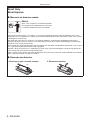
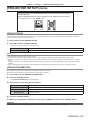
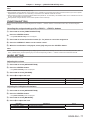
Accessories
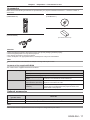
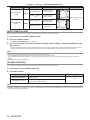
Make sure that the following accessories are provided with your projector. Numbers enclosed in < > show the number of
accessories.
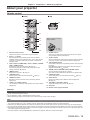
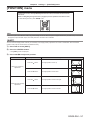
Wireless remote control unit <1>
(N2QAYB000812)
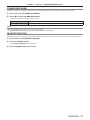
CD-ROM <1>
(TXFQB02VLF1)
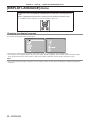
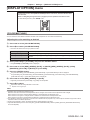
AA/R6 or AA/LR6 battery <2>
Power cord <1>
(TXFSX01RWDZ)
(For remote control unit)
Attention
ff After unpacking the projector, discard the power cord cap and packaging material properly.
ff Use the supplied power cord only with the projector.
ff For missing accessories, consult your dealer.
ff Store small parts in an appropriate manner, and keep them away from small children.
Note
ff The model numbers of accessories are subject to change without prior notice.
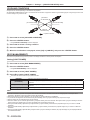
Contents of the supplied CD-ROM
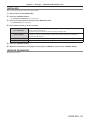
The contents of the supplied CD-ROM are as follows.
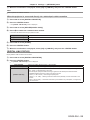
Instruction/list (PDF)
Operating Instructions – Functional Manual
Multi Projector Monitoring & Control Software Operation Manual
Logo Transfer Software Operating Instructions
List of Compatible Projector This is a list of projectors that are compatible with the software
Models
contained in the CD-ROM and their restrictions.
Software
Multi Projector Monitoring & This software allows you to monitor and control multiple
Control Software (Windows) projectors connected to the LAN.
Logo Transfer Software
(Windows)
This software allows you to create original images, such as
company logos to be displayed when projection starts, and
transfer them to the projector.
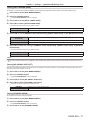
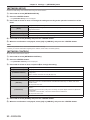
Optional accessories
Optional accessories
(product name)
Model No.
Ceiling mount bracket
ET-PKR100H (for high ceilings), ET-PKR100S (for low ceilings)
Digital interface box
ET-YFB100G
Note
ff The model numbers of optional accessories are subject to change without prior notice.
ENGLISH - 17