1
Chapter 4 Settings — [NETWORK] menu
9
10
11
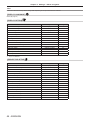
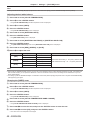
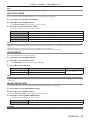
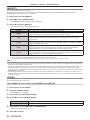
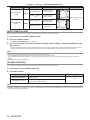
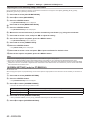
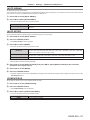
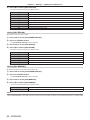
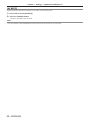
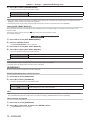
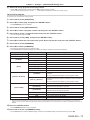
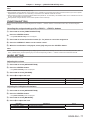
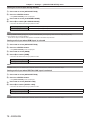
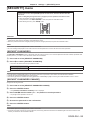
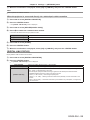
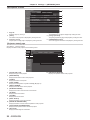
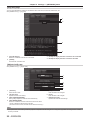
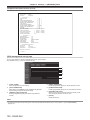
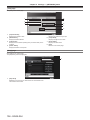
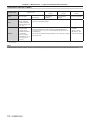
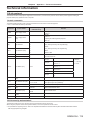
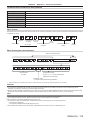
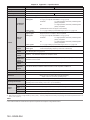
9 [E-MAIL ADDRESS 2]
Enter the E-mail address to be sent when two E-mail addresses
are to be used.
Leave it blank when two E-mail addresses are not to be used.
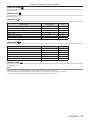
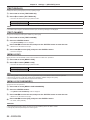
10 Settings of the conditions to send E-mail
Select the conditions to send E-mail to the second E-mail
address.
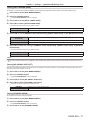
[MAIL CONTENTS]:
Select either [NORMAL] or [SIMPLE].
[ERROR]:
An E-mail message is sent when an error occurred in the selfdiagnosis.
[INTAKE AIR TEMPERATURE]:
An E-mail message is sent when the air intake temperature has
reached the value set at the above field.
[PERIODIC REPORT]:
Place a check mark on this to send E-mail to the second E-mail
address periodically. It will be sent on the days and time with the
check mark.
11 [Submit]
Update the settings.
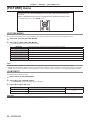
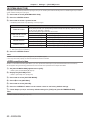
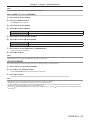
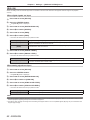
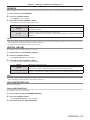
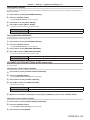
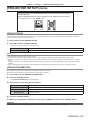
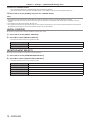
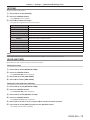
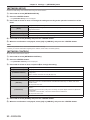
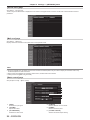
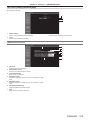
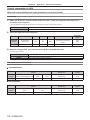
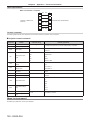
[Authentication set up] page
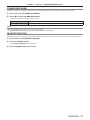
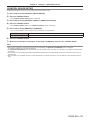
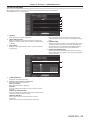
You can set the authentication items when POP authentication or SMTP authentication is necessary to send an E-mail message.
Click [Detailed set up] → [Authentication set up].
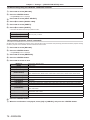
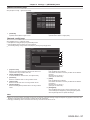
1
2
3
4
5
6
7
8
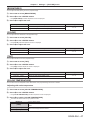
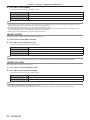
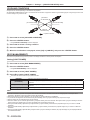
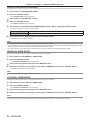
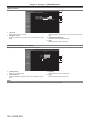
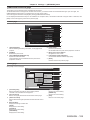
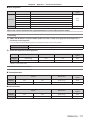
1 [Auth]
Select the authentication method specified by your Internet
service provider.
2 [SMTP Auth]
Set when the SMTP authentication is selected.
3 [POP server name]
Enter the POP server name.
Allowed characters:
Alphanumerics (A to Z, a to z, 0 to 9)
Minus sign (-) and period (.)
4 [User name]
Enter the user name for the POP server or the SMTP server.
5 [Password]
Enter the password for the POP server or the SMTP server.
6 [SMTP server port]
Enter the port number of the SMTP server.
(Normally 25)
7 [POP server port]
Enter the port number of the POP server.
(Normally 110)
8 [Submit]
Update the settings.
100 - ENGLISH