1
15 Firewall
Funkwerk Enterprise Communications GmbH
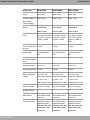
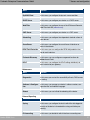
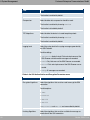
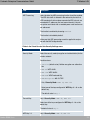
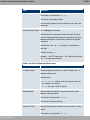
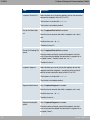
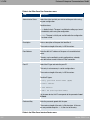
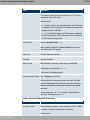
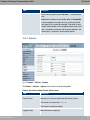
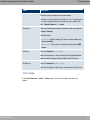
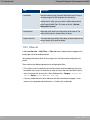
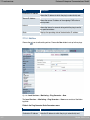
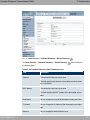
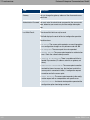
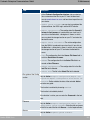
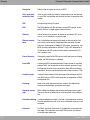
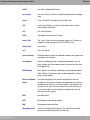
Field
Description
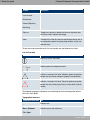
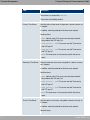
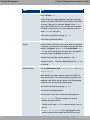
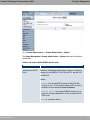
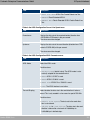
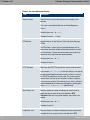
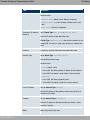
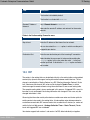
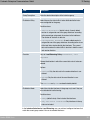
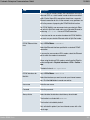
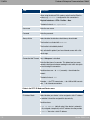
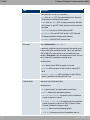
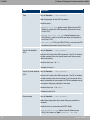
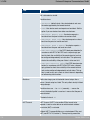
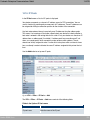
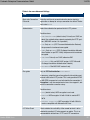
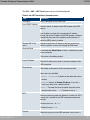
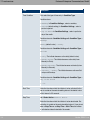
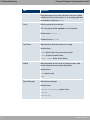
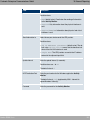
The messages are output together with messages from other
subsystems.
Possible values:
• 1// (default value): All firewall activities are displayed.
• ;) : Only reject and deny events are shown, see "Action".
• 1%%, : Only accept events are shown.
• *: Syslog messages are not generated.
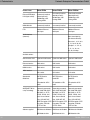
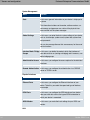
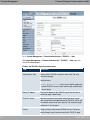
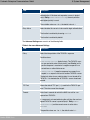
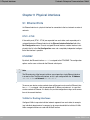
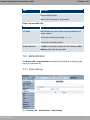
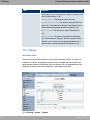
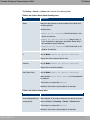
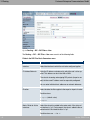
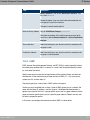
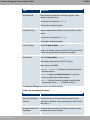
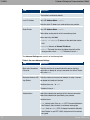
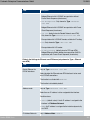
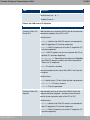
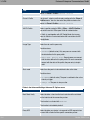
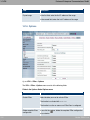
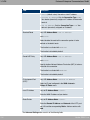
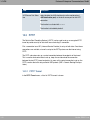
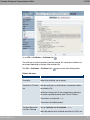
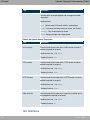
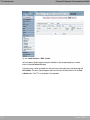
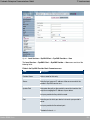
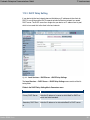
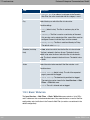
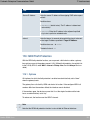
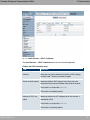
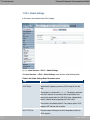
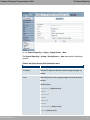
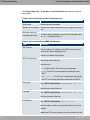
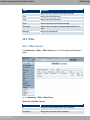
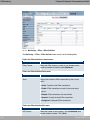
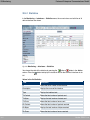
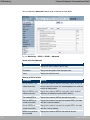
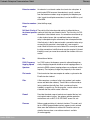
Fields in the Options Session Timer menu
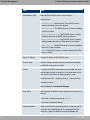
Field
Description
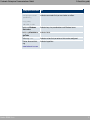
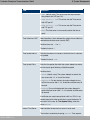
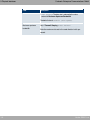
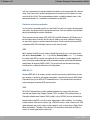
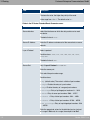
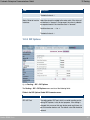
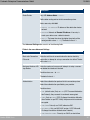
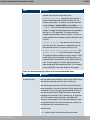
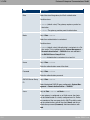
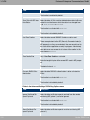
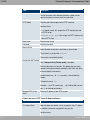
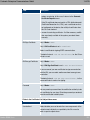
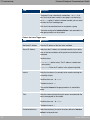
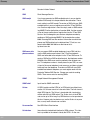
UDP Inactivity
Enter the inactivity time after which a UDP session is to be regarded as expired (in seconds).
Possible values are ' to .
The default value is .
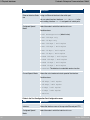
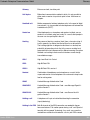
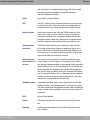
TCP Inactivity
Enter the inactivity time after which a TCP session is to be regarded as expired (in seconds).
Possible values are ' to .
The default value is '.
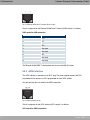
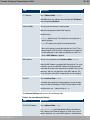
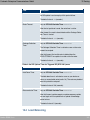
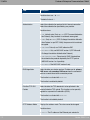
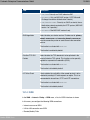
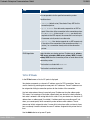
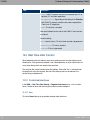
PPTP Inactivity
Enter the inactivity time after which a PPTP session is to be regarded as expired (in seconds).
Possible values are ' to .
The default value is .
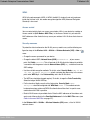
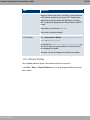
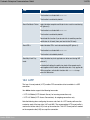
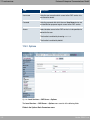
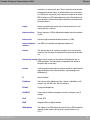
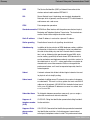
Other Inactivity
Enter the inactivity time after which a session of another type is
to be regarded as expired (in seconds).
Possible values are ' to .
The default value is '.
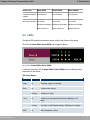
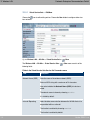
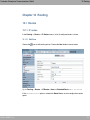
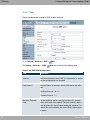
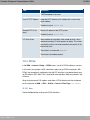
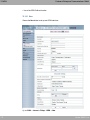
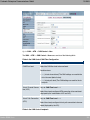
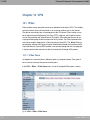
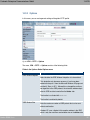
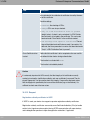
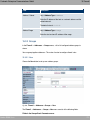
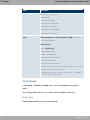
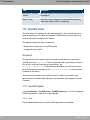
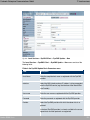
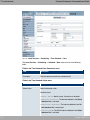
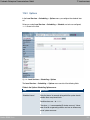
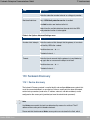
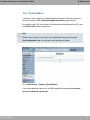
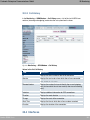
15.2 Interfaces
270
bintec R200-Serie