1
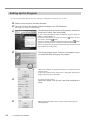
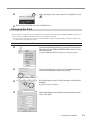
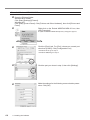
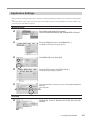
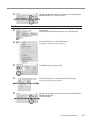
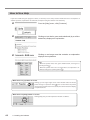
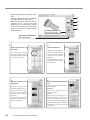
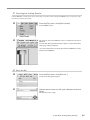
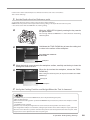
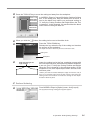
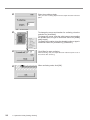
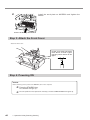
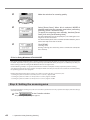
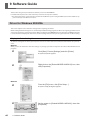
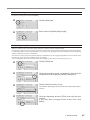
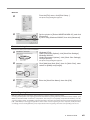
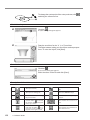
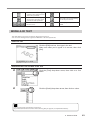
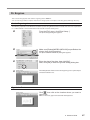
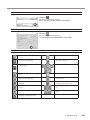
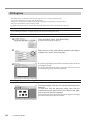
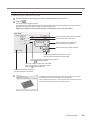
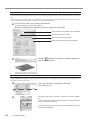
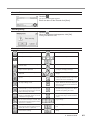
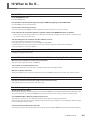
To change the centerpoint of the outer perimeter, click and drag the reference line. Check the shape Click the Drag the scroll box for the X, Y, or Z scroll bar. The object rotates, letting you view it from various perspectives. To color the object, click [Start]. . The [Rendering] dialog box appears. Save the data Click the . The [Save As] dialog box appears. Enter the name of the file and click [Save]. Description of Controls 52 9 Software Guide This opens new file. This saves the data as a DXF file. This opens an existing file. This starts MODELA Player. This saves the file, overwriting the previous data. This undoes the very last operation. This moves a reference lines up or down. When is selected, the location of the centerpoint moves up or down. This zooms the screen in or out. This moves a reference lines right and left. When is selected, the location of the centerpoint moves right and left. This displays the coordinates of the reference lines.