1
Table of Contents
Product Introduction................................................................................. 3
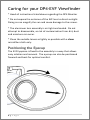
Caring for your DP4 Monitor..................................................................... 4
Caring for your DP4-EVF Viewfinder ......................................................... 5
Positioning the Eyecup .......................................................................... 5
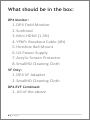
What should be in the box: ....................................................................... 6
DP4 Monitor:......................................................................................... 6
VF Only: ................................................................................................. 6
DP4-EVF Combined: .............................................................................. 6
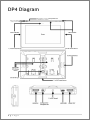
DP4 Diagram ............................................................................................. 7
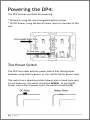
Powering the DP4: .................................................................................... 8
The Power Switch.................................................................................. 8
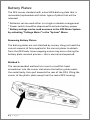
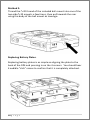
Battery Plates: ....................................................................................... 9
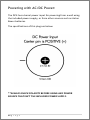
Powering with AC/DC Power: ............................................................. 11
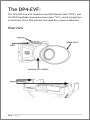
The DP4-EVF: ........................................................................................... 12
Overview ............................................................................................. 12
Attaching the VF to the DP4................................................................ 13
Detaching the VF from the DP4: ......................................................... 14
Using the DP4-EVF .............................................................................. 15
Using the DP4 .......................................................................................... 16
Operating the Menus .......................................................................... 16
The Preset Menu: ............................................................................ 17
DSLR Scale Presets .......................................................................... 18
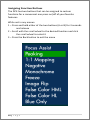
Assigning Function Buttons ............................................................. 19
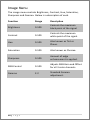
Image Menu ........................................................................................ 20
Advanced Menu .................................................................................. 21
1|Page