1
1-9Storage Setup
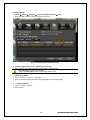
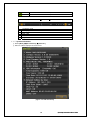
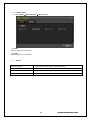
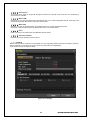
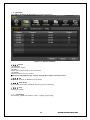
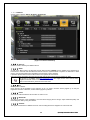
① {Menu} {Setup} {Storage} {Local Storage Management} {New}
② Select the HDD on New tap and then select Recording-Init.
[Figure 4-4. Storage Device New Tab menu]
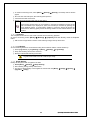
③ {Recording-Init} means that it is initializing for recording.
④ After initializing done, HDD on New tab will be moved to Recording tab.
{Recording-Init} procedure may take time.
Refer to [6-4 Storage] for better understanding about storage.
1-10Recording Setup
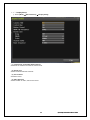
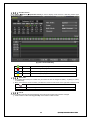
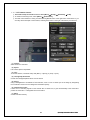
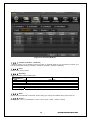
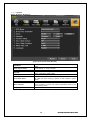
① {Menu} {Setup} {Action} {Recording}
② Setup for [Recording Resolution]/[Recording Quality]/[Recording Speed]/[Audio].
1-11 Date/Time Setup
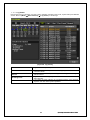
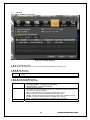
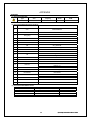
① {Menu} {Setup} {Time}
② Setup for time
16
Operating Instruction & User’s Guide