1
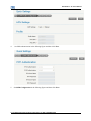
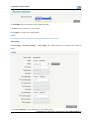
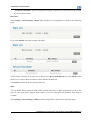
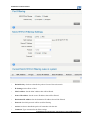
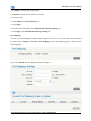
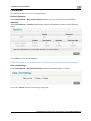
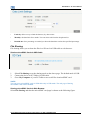
ZTE UniteTM II User Manual System Information: Shows the system status and different kinds of tips. Battery indicator Signal strength Internet status : Shows the battery level, 4 stages from none to high : Shows the network signal intensity, 5 stages from none . to strong . : Connected to the Internet. : Disconnected from the Internet. Wi-Fi strength : Wi-Fi status and number of the connected users. The maximum number is 10. Settings • Do not modify any settings unless instructed by your service provider. • Please disconnect the device from the network before changing the settings. Quick Settings 1. In the main interface click Settings > Quick Settings. 2. Read the guide carefully, and then click Next. 3. Set PPP Profile Configuration in the following figure and then click Next. Confidential and Proprietary Information of ZTE CORPORATION 11