1
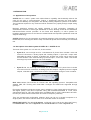
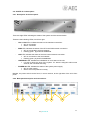
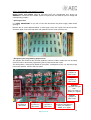
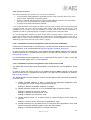
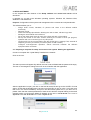
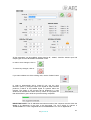
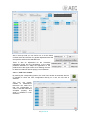
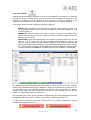
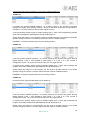
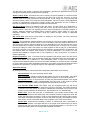
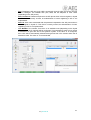
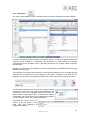
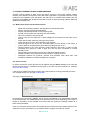
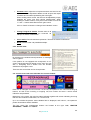
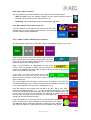
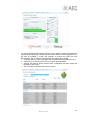
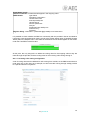
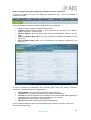
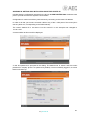
Program Phone Book:
This is the phone book for the active program. It is managed in the telephone menu
of the configuration and scheduling application. Its fields are name and number. Call
by clicking on the yellow telephone after selecting one of the contacts.
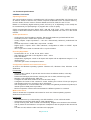
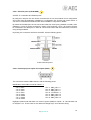
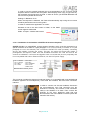
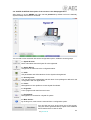
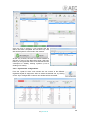
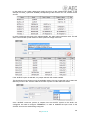
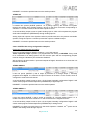
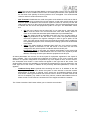
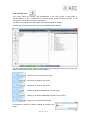
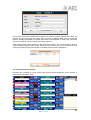
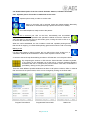
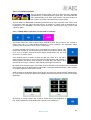
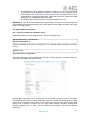
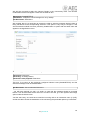
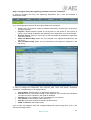
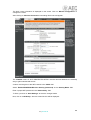
Programmed Phone Calls:
This is the planned call scheduling for the currently active program. It is managed in the
telephone menu of the configuration and scheduling application.
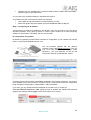
Its fields are: scheduled call time, name,
lock icon (avoiding its deletion after the
program ends), completed call icon and
program agenda call icon.
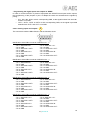
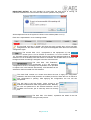
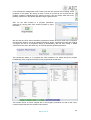
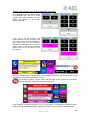
In order to mark a scheduled call as protected, select by clicking on it, and then click
on the locked folder icon. This will activate the lock icon:
Call by clicking on the yellow telephone after selecting one of the contacts.
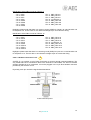
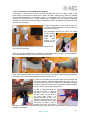
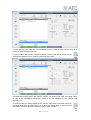
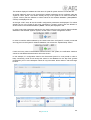
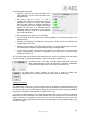
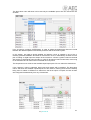
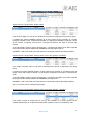
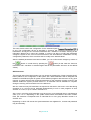
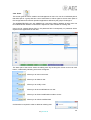
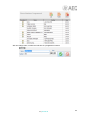
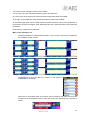
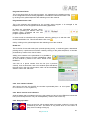
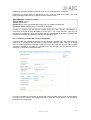
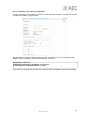
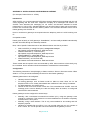
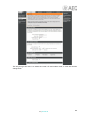
Redial list:
This is the list of last calls made (red, upwards pointing arrow), or received (green, downwards
pointing arrow). It performs two functions: recall by clicking on the yellow telephone, or feed the
phonebook by means of the “Save” button.
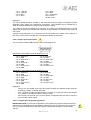
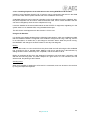
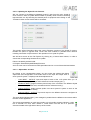
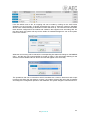
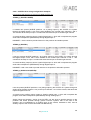
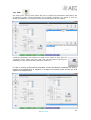
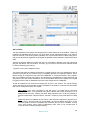
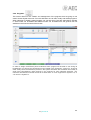
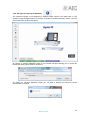
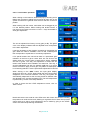
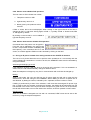
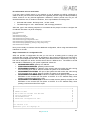
Adding new contacts to the phonebook: it is possible to
store the numbers to/from we have called/being called
as new contacts by means of the “save” button of the
Redial list.
Just click on a phone number from the list (not a previous
contact), click on this button, and a new window opens that allows
the user to fill in the new contact name, which can be immediately
stored or sent to the “black list”.
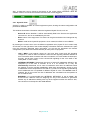
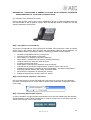
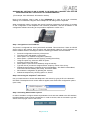
5.6.2. Line number indicator.
Also close to this key, the SYSTEL line number is presented (from 1 to 12 in Systel
IP 12 and from 1 to 4 in Systel IP 4).
5.6.3. Send / receive level indicators.
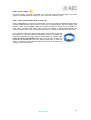
Another feature that is included in this key is the presence of two tri-color LEDs that indicate the
line input and output levels. They can be adjusted by means of the LEVEL key.
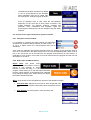
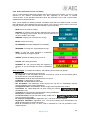
5.6.4. Hang-up button.
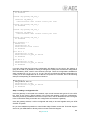
Hangs up the line call not matter what is its status, unless it is on air and
protected by the lock. This button is only active when it is red. When in
grey, there is nothing to hang-up.
61
AEQ SYSTEL IP