1
C 206H
The System presets
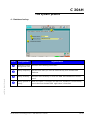
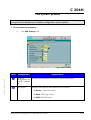
4 - Database backup
n
q
ams01581.doc - Edition 10 – October, 06
Item
o
p
Designation
Signification
n
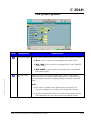
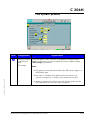
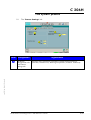
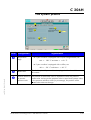
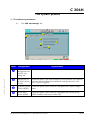
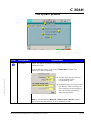
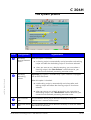
Database backup Selection of the backup parameters.
configuration tab
o
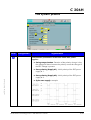
Backup frequency Specifies how often you want to automatically save the AMS 200
database.
p
Backup directory
q
Backup presets at When this option is checked, the AMS 200 database is automatically
saved whenever the AMS 200 application is launched.
startup
Selection of the directory in which the AMS 200 database file will be
saved.
Alcatel Vacuum Technology France – AMS 200 User’s manual
14/14