1
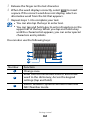
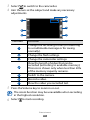
1 In Idle mode, open the application list and select My files.
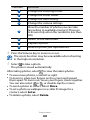
2 Select a folder.
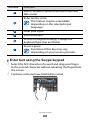
To move up one level in the file directory, select Up.
To return to the Home directory, select Home.
Select a file to open.
●●
●●
3
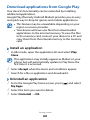
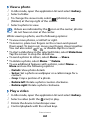
In a folder, press [ ] to use the following options:
●● To send a file to others, select Share.
●● To create a new folder, select Create folder.
●● To delete files or folders, select Delete.
●● To change the view mode, select View by.
●● To sort files or folders, select List by.
●● To use additional features such as move, copy or rename,
select More.
Polaris Office
Learn to create and view Polaris Office documents on your
device and memory card.
This application must be downloaded from Samsung
Apps before it can be used.
››Create a document
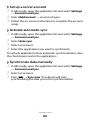
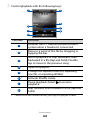
1 In Idle mode, open the application list and select Polaris
2
3
4
5
6
Office.
If you are launching this application for the first time,
download the application from Samsung Apps and install
it on your device. Register as an online user or skip the
registration.
Select → a document type.
Enter contents in the document and format as required.
When you are finished, press [ ] → Save.
Enter a name for the document and select the saving
Tools
101