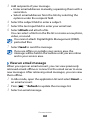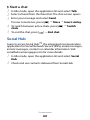
1
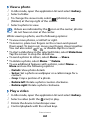
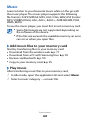
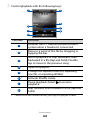
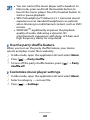
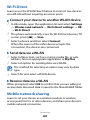
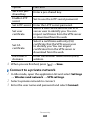
2 Select a network under Wi-Fi networks.
3 Enter a password for the network (if necessary).
4 Select Connect.
››Add a WLAN manually
1 In Idle mode, open the application list and select Settings
→ Wireless and network → Wi-Fi settings → Add
2
3
4
Wi-Fi network.
Enter the SSID for the network and select the security
type.
Set the security settings depending on the selected
security type.
Select Save.
››Connect to a WLAN using a Wi-Fi Protected
Setup (WPS)
Using WPS, you can connect to a secured network.
To connect to a WLAN with a WPS button,
1 In Idle mode, open the application list and select Settings
→ Wireless and network → Wi-Fi settings.
2 Select WPS button connection.
3 Press a WPS button on the access point within 2 minutes.
To connect to a WLAN with a WPS PIN,
1 In Idle mode, open the application list and select Settings
→ Wireless and network → Wi-Fi settings.
2 Select a network indicated by the WPS icon and select
3
WPS PIN.
On the access point, enter the PIN and press the start
button.
Connectivity
91