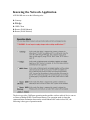
1
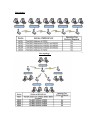
Gateway
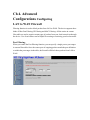
The device is supposed to connect to internet via Ethernet port. The NAT is enabled and
PCs in LAN ports share the same IP to ISP through WAN port. The connection type can
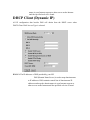
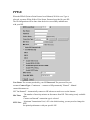
be setup in WAN page by using PPPoE, DHCP client, PPTP client or static IP.
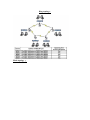
Bridge
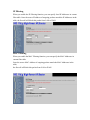
The wired Ethernet and wireless NIC are bridged together. Once the mode is selected, all
the WAN related functions will be disabled.
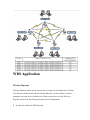
WISP (Wireless ISP)
This mode can let you access the AP of your wireless ISP and share the same public IP
address form your ISP to the PCs connecting with the wired Ethernet port of the device.
To use this mode, first you must set the wireless radio to be client mode and connect to
the AP of your ISP then you can configure the WAN IP configuration to meet your ISP
requirement.
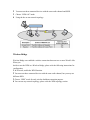
The wireless radio of the device acts as the following roles.
Router (WAN Ethernet)
The device is supposed to connect to internet via Ethernet port and it will act as router.
NAT system will be disabled.
Router (WAN Wireless)
The device is supposed to connect to internet via Wireless port and it will act as router.
NAT system will be disabled.
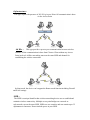
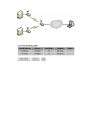
Hereafter are some topologies of network application for your reference.