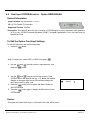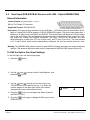
1
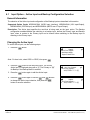
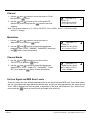
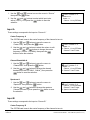
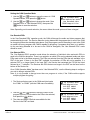
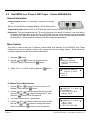
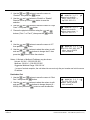
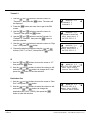
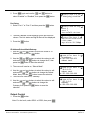
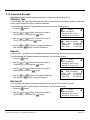
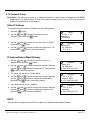
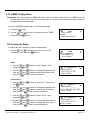
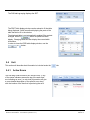
5. Use the
and
buttons to move the cursor to “Phys
Conn:” then press the
button.
6. Choose the physical connector using the
buttons (“Port 1” or “Port 2”) then press the
and
button.
↓↑
MPEG/IP 1-4
Receive:Enabled
►Phys Conn: Port 2
IP: 239.192.0.1
↵
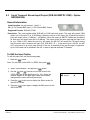
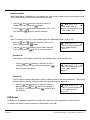
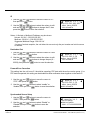
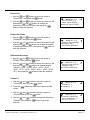
IP
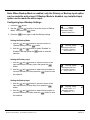
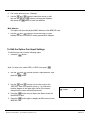
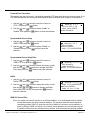
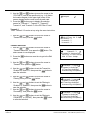
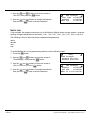
1. Use the
and
then press the
buttons to move the cursor to “IP:”
button.
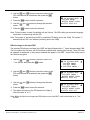
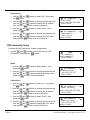
MPEG/IP 1-4 ←→↵
►IP:239.192.000.001
Dest Port:01030
Source Port:01030
↓↑
2. Use the
and
buttons to select the column to edit
and use the
and
buttons to change the IP, then
press the
button to save the selection.
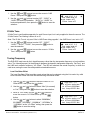
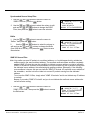
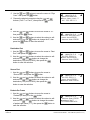
Destination Port
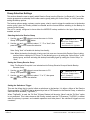
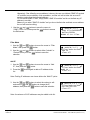
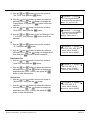
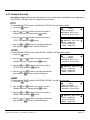
1. Use the
and
buttons to move the cursor to “Dest
Port:” then press the
button.
2. Use the
and
buttons to select the column to edit
and use the
and
buttons to change the
destination port (1025 – 65536), then press the
button to save the selection.
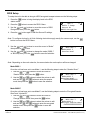
MPEG/IP 1-4 ←→↵
IP:239.192.0.1
►Dest Port:01030
Source Port:01030
↓↑
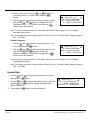
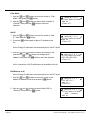
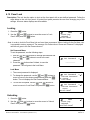
Source Port
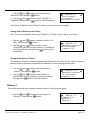
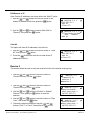
1. Use the
and
buttons to move the cursor to
“Source Port:” then press the
button.
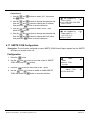
MPEG/IP 1-4 ←→↵
IP:239.192.0.1
Dest Port:01030
►Source Port:01030
↓↑
2. Use the
and
buttons to select the column to edit
and use the
and
buttons to change the
destination port (1025 – 65536), then press the
button to save the selection.
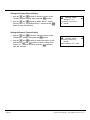
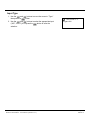
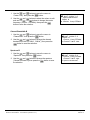
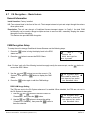
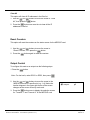
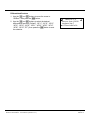
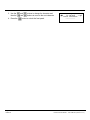
Packets Per Frame
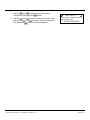
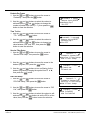
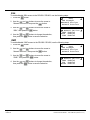
1. Use the
and
buttons to move the cursor to
“Packets/Ip:” then press the
button.
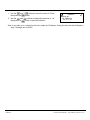
↓↑
2. Use the
and
buttons to select the column to edit
and use the
and
buttons to change the number
of packets per frame (1 –7), then press the
button to
save the selection.
Page 62
Edition A
MPEG/IP 1-4
Source Port:01030
►Packets/Ip:7
DiffServ:Default
↵
THOMSON RD1000 / RD1002
Receiver Descrambler - User Manual (release 7.7.1)