1
MRD 3187B - User Manual
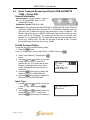
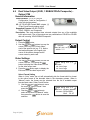
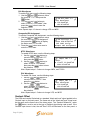
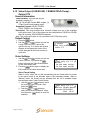
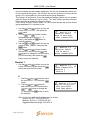
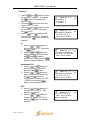
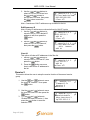
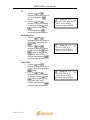
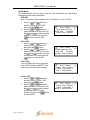
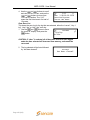
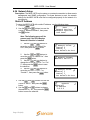
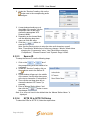
9. Use the
and
buttons to move
the cursor to “Color ref:” then press the
button.
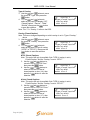
10. Use the
and
buttons to select
the column to edit and use the
and
buttons to change the number of
degrees (-180 – +180), then press the
button to save the selection.
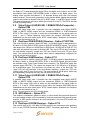
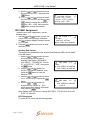
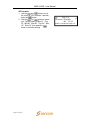
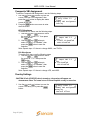
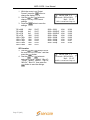
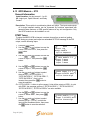
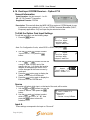
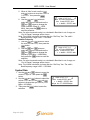
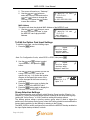
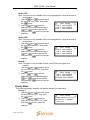
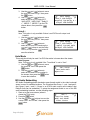
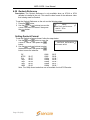
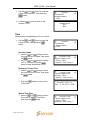
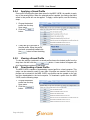
Genlock Offset
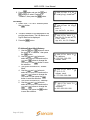
Vert:-125 lines
Horiz:-0177 pixels
►Color Ref:-100
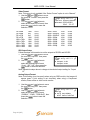
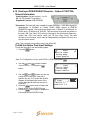
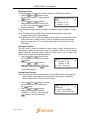
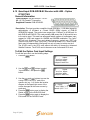
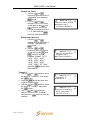
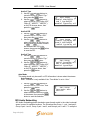
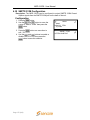
SDI VANC Assignment
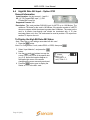
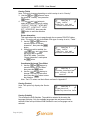
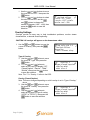
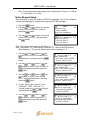
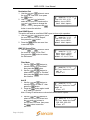
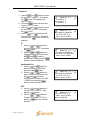
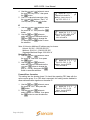
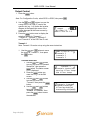
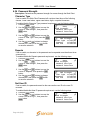
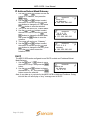
To edit the SDI VANC Assignment, use the
following steps.
1. Use the
and
buttons to move the
cursor to “SDI VANC Assign” then press
the
button to display the status screen
for the VANC.
2. Press the
button once more to enter
the Edit screen.
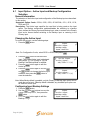
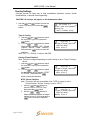
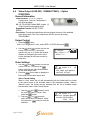
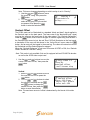
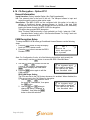
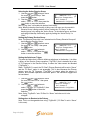
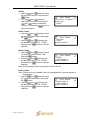
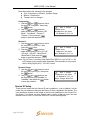
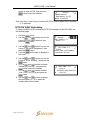
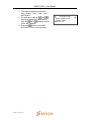
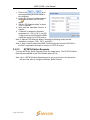
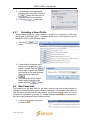
SD Video 1-1
Video
Genlock Offset
►SDI VANC Assignment
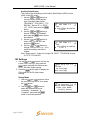
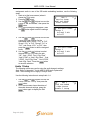
Ancillary Data Packets
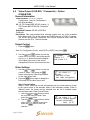
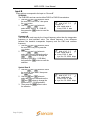
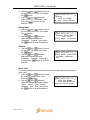
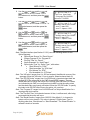
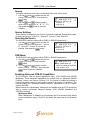
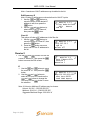
This controls the embedding of the Ancillary Data Packets (ADP) into the VANC
of the SDI output.
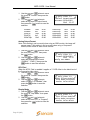
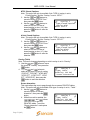
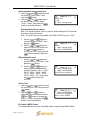
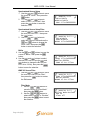
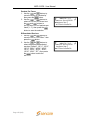
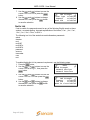
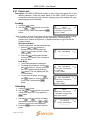
1. Use the
and
buttons to move
the cursor to the desired type of
Ancillary Data Packet (“EIA-608CC”,
“EIA-708CC”, “TTX S2031M”, “Source
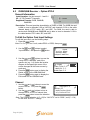
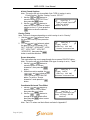
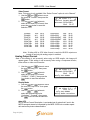
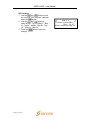
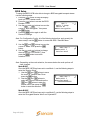
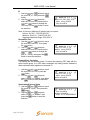
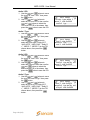
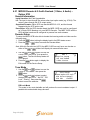
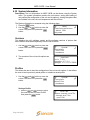
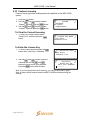
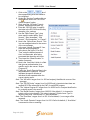
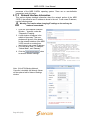
SDI VANC 1-1
ID”, or “SCTE 127”, “AFD”), then press
ADP
the
button.
► EIA-608CC:Disabled
EIA-708CC:Disabled
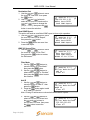
2. Use the
and
buttons to
choose “Enabled” or “Disabled”, then
press the
button to save the
selection.
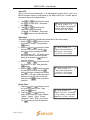
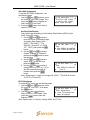
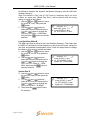
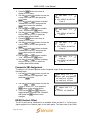
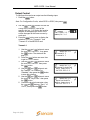
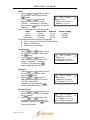
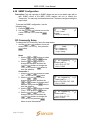
3. Use the
and
buttons to select
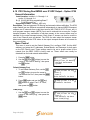
“Line:” for the ADP and press the
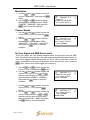
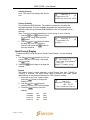
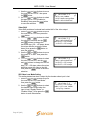
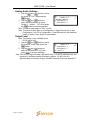
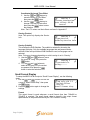
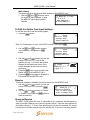
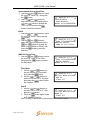
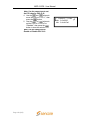
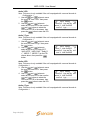
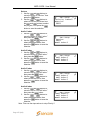
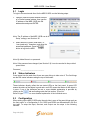
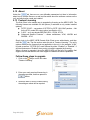
SDI VANC 1-1
button.
ADP
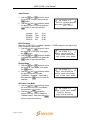
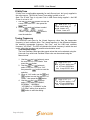
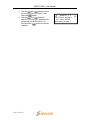
4. Use the
and
buttons to
EIA-608CC:Disabled
change the line number (4 – 15) in
►
Line:9
which the ancillary data will be located,
then press the
button.
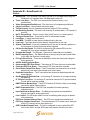
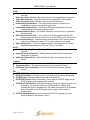
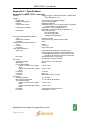
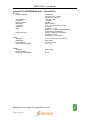
Note: Repeat steps 1-4 above to change EIA-708CC, TTX S2031M, Source ID,
SCTE 127 and AFD.
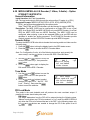
NTSC Waveforms
To enable NTSC items, use the following steps.
Page 37 (245)