1
SAM (School Account Management) System User Manual
Storehouse Orders
Creating a Storehouse Order accomplishes two functions:
• Records the expense in the budget register.
• Creates a hard copy order form that can be faxed to the Storehouse.
Depending on how you want to manage the ordering process, you can create separate
Storehouse orders for each individual, or combine orders for several individuals under
one order number. In either case, only one budget code can be entered for the entire
Storehouse order.
Creating a Storehouse Order
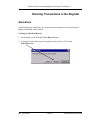
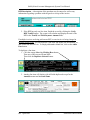
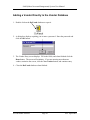
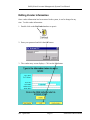
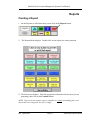
1. On the Entry screen click on the New Record button.
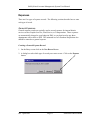
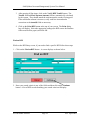
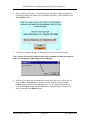
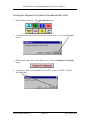
2. A dialog box asks which type of record you want to create. Click on the Expense
button or press Enter on your keyboard.
St. Paul Public Schools
Page 20
Rev. April 2005